

You finished a job, the customer thanked you, and they left happy. Then nothing. No review, no stars, no proof for the next person searching your service in Google Maps. Most local business owners know reviews matter, but few have a system for collecting them.
Here is the short answer on how to get more Google reviews: ask every happy customer, ask right after the job, and make it a one-tap task. A direct review link or QR code removes the friction. Automated email or text requests handle the rest, and you can set up all of it for free.
Below, you'll find six practical ways to get more Google reviews from real customers without breaking Google's rules. We use these same steps when we optimize Google Business Profiles for Orange County small businesses, because reviews directly affect local rankings and whether a searcher calls you or your competitor. Pick one or two to start this week, and add the rest as you go.
1. Ask every happy customer at the right moment
How it works
Start with the ask, made in person or by phone right after the job. The plumber fixes the leak. The tax preparer files the return. Gratitude peaks in that moment, so keep your script short: "Glad that worked out. Would you share that on Google? It helps neighbors find us."
Then send the review link within an hour, while the experience is still fresh. A spoken ask plus a written follow-up beats either one alone.
Ask the moment the customer says thank you, not a week later.
Who it works best for
This fits service businesses with face-to-face or phone contact: contractors, clinics, salons, and tax or immigration consultants. When you have a real relationship with the customer, your request carries weight.
It also helps startups with few reviews, because each early review moves your average far more than the fiftieth one will.
Cost and effort
It costs nothing. Plan on about 30 seconds per customer and a team habit you build once. Add "ask for a review" to your job checklist so it never depends on someone remembering.
Track who you asked in a simple spreadsheet so nobody gets asked twice.
Common mistakes to avoid
Most mistakes come from timing and pressure. Avoid these three, because some can get reviews removed:
- Waiting days or weeks, when the customer has already forgotten the details.
- Offering discounts or gifts in exchange. Google's policy prohibits incentivized reviews.
- Hand-picking only customers you expect to give five stars. Google treats selective solicitation as a violation, so ask everyone you served well.
2. Make leaving a review effortless with a direct link and QR code
How it works
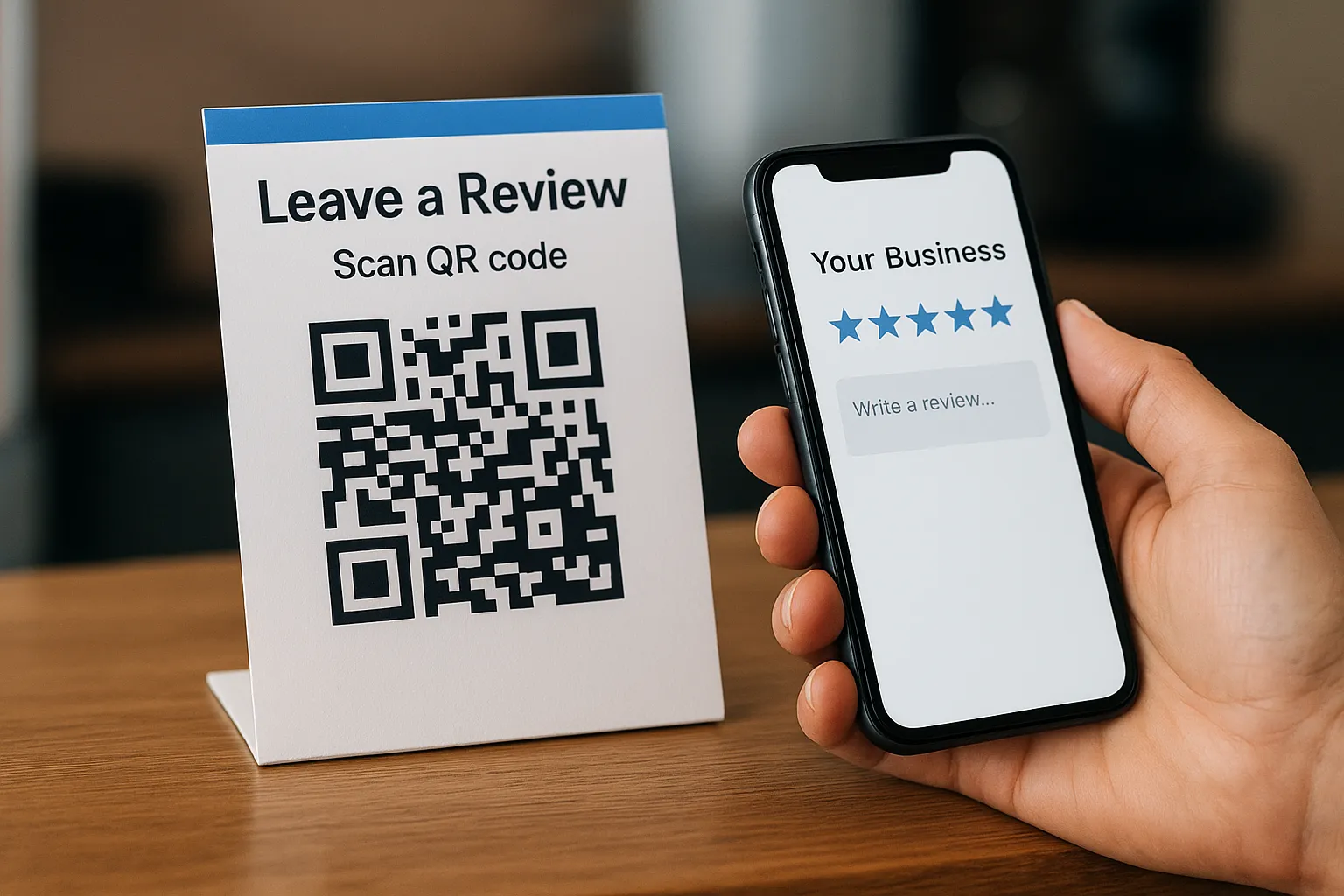
Google gives you a short review link that opens the review box in one tap. Sign in, search your business name, and choose "Ask for reviews" to copy it, as Google's guide explains. The same screen offers a QR code for that link.
Then put it where customers already are: text messages, email signatures, and a printed card at the counter. This fixes the problem of customers who say yes but never follow through.
Every extra tap between "happy" and "posted" costs you reviews.
Who it works best for
Anyone with walk-in or on-site customers benefits most, such as salons, restaurants, auto shops, and window installers. A counter card turns a happy moment into a review in seconds.
Busy owners like it too, because one link serves every customer and needs no software.
Cost and effort
Setup is free and takes about 10 minutes. Printing a QR card or small counter sign costs a few dollars.
Before printing anything, test the link on your own phone and confirm it opens your correct location.
Common mistakes to avoid
Small errors can waste the whole effort, and a few are easy to catch early:
- Printing a QR code without scanning it first, or linking to the wrong location.
- Placing the code on glossy or tiny material that phone cameras can't read.
- Posting a sign with no spoken ask. Signs alone get few scans, so say it out loud too.
3. Send automated email and SMS review requests
How it works
Connect your review link to a trigger such as "job completed" or "invoice paid" in your booking or invoicing software. The tool then sends a short, personal message by email or text with no manual work. Copy this template:
Hi [First Name], thanks for choosing [Business]. If we earned it, would you share a quick Google review? [review link] Reply STOP to opt out.
Send the request when the job closes, and send it only once.
Who it works best for
Busy teams with high customer volume gain the most, such as clinics, cleaners, and home service companies. Your staff can't ask everyone in person.
Automation also suits businesses where customers leave before you can ask, like online orders or after-hours appointments. It's a reliable way to get more Google reviews from customers you never speak to.
Cost and effort
Many CRMs and booking tools include this free or in a base plan. Plan on about an hour to write the message and set the trigger. Text messages may add a few cents each.
Common mistakes to avoid
Most problems come from sloppy setup, so check these before you switch it on:
- Texting without permission. Get consent first and always include an opt-out line.
- Sending a cold "Dear Customer" blast. Use the first name and mention the actual service.
- Messaging every customer, including those with an open complaint. Resolve the issue first, then ask.
4. Install review generation tools to run it on autopilot
How it works
When you install review generation tools to get more Google reviews, they connect to your CRM or booking system and run the whole cycle. The tool sends the request, follows up once if the customer ignores it, and tracks who replied. Most also show new reviews in one dashboard, so you catch a bad one fast.
The best tool is the one that sends every request without anyone remembering.
Look for these features before you pick one:
- A direct link to your Google profile, not a third-party page
- No rating filter before the Google link
- Consent and opt-out handling
- Integration with software you already use
Who it works best for
Multi-location companies and high-volume businesses get the most from a dedicated platform. It also suits owners who can't spend time managing requests. If you finish fewer than 10 jobs a month, the simple automation from way 3 is enough.
Cost and effort
Paid platforms often run $50 to $300 per month, though pricing varies. Setup usually takes a few hours to connect your systems and write your message. We handle this kind of lead and follow-up automation for Orange County clients, but you can do it yourself with patience.
Common mistakes to avoid
The biggest risks are policy violations and long contracts:
- Using review gating, which sends only happy customers to Google. Google prohibits it.
- Buying "guaranteed five-star" packages. Fake reviews get removed, and your profile can be penalized.
- Signing an annual contract before a trial. Test the tool for a month first.
5. Put review requests on receipts, signs, and invoices
How it works
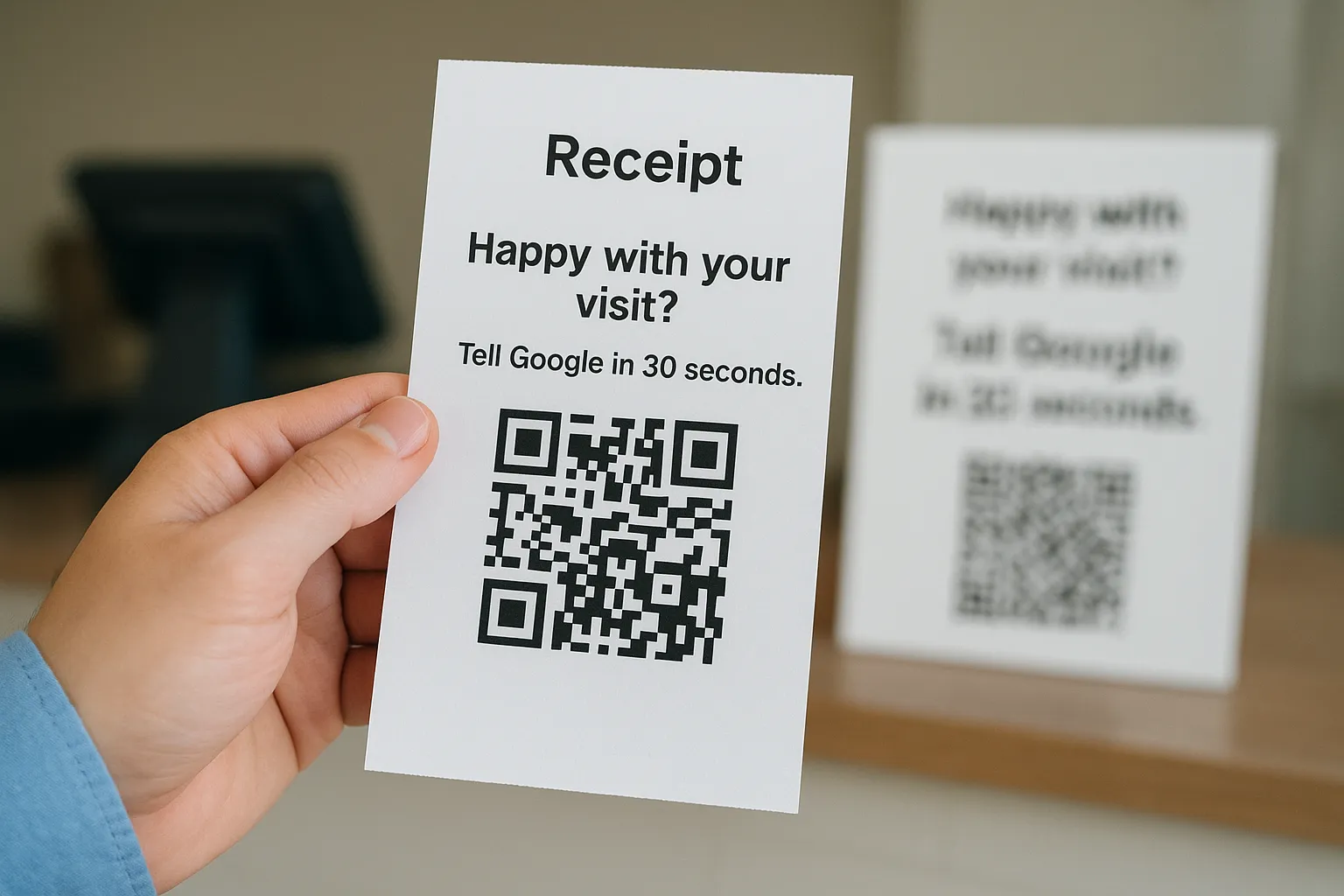
Print a short review link or QR code on every document a customer takes home: receipts, invoices, appointment cards, and a sign at the register. Add one line, such as "Happy with your visit? Tell Google in 30 seconds." Because the request sits on something the customer is already holding, it works as a quiet reminder that backs up your spoken ask.
Put the ask where the customer already looks, and you stop relying on memory.
Who it works best for
Businesses that hand over paper or send invoices get the most from this: contractors, tax preparers, document services, and retail shops. It is also one of the easiest ways to get more positive Google reviews from customers who ignore texts and emails.
Offices with a waiting room benefit too. A framed sign gives visitors something to scan while they wait.
Cost and effort
Updating an invoice template is free and takes about 15 minutes in most billing software.
Printed signs, stickers, or cards usually run $10 to $50 for a first batch. Reorder only after you see which placement gets scans.
Common mistakes to avoid
Most failures come from clutter and vague wording. Watch for these:
- Burying the link in fine print. Give it its own line and a clear call to action.
- Using a long URL customers must type. Use a QR code or the short link from way 2.
- Printing a coupon for anyone who leaves a review. That is an incentive, and Google prohibits it.
6. Reply to every review and optimize your Google profile
How it works
Reply to every review, good or bad, within one to two days. Thank people by name and mention the service they bought. For a bad review, apologize, offer to fix it offline, and stop there. Google notes that replies show you value your customers.
Then fill out your profile: correct categories, hours, services, and recent photos. A complete, active profile gets more views, and more views mean more happy customers who can leave a review.
A profile that answers reviews and looks complete gives new customers a reason to add theirs.
Who it works best for
Every business with a Google profile should do this. It matters most if you have unanswered reviews sitting there today, so start with the oldest.
Anyone figuring out how to get more reviews on Google also gains when local competitors look thin. A polished profile stands out in the map results.
Cost and effort
It is free. Budget 10 minutes a day for replies and about an hour for the one-time profile cleanup.
Put a monthly reminder on your calendar to refresh photos and check your hours.
Common mistakes to avoid
Most damage comes from defensive replies and neglect:
- Pasting the same "Thanks!" on every review. Write one personal line instead.
- Arguing in public or sharing customer details. Keep disputes offline and your reply short.
- Letting your hours, phone number, or services go stale. Outdated info costs you calls.
Start with one tactic this week
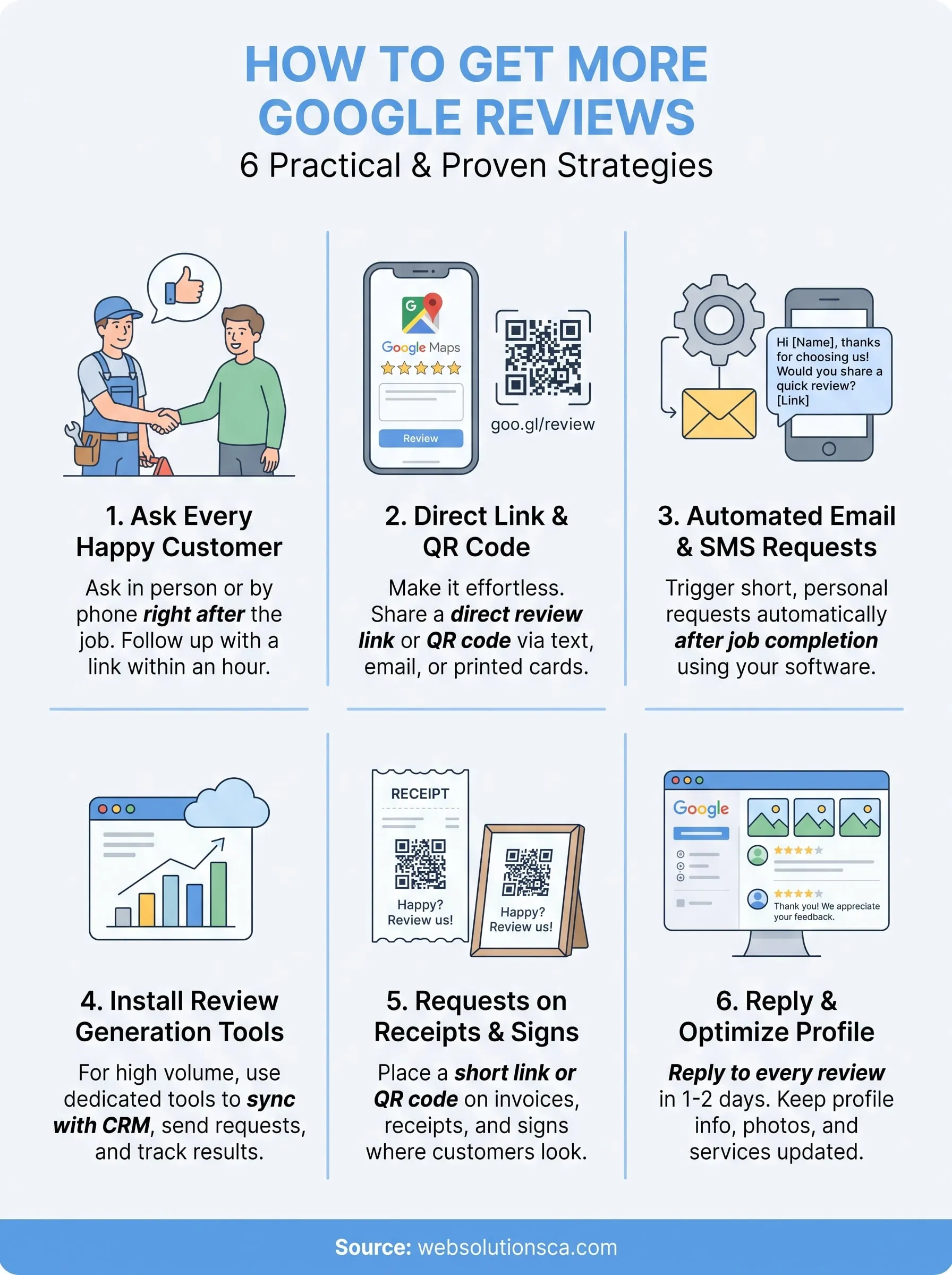
Learning how to get more Google reviews comes down to asking consistently and removing friction. You don't need every tactic on this list. Start with the free ones: ask in person after the job, then text your direct review link within the hour. That alone will likely move your count faster than any software.
Once the habit sticks, add a QR code, an automated request, or a line on your invoices. Keep every ask honest. Never offer rewards and never filter out unhappy customers, because Google removes those reviews. Reply to each review you receive, and your profile keeps improving.
Finally, if you'd rather have someone build the system for you, Web Solutions CA can set up your Google Business Profile, review requests, and follow-up automation through local SEO services for your Orange County business. Tell us what you do, and we'll suggest where to start.