
WordPress vs Wix: Which Is Better for Small Businesses?
You need a website that brings in inquiries, takes bookings, or sells your products. You probably don’t want another system that needs your attention every weekend.
Choosing a website platform isn’t just about design or price. It’s about finding a setup that supports your business without adding unnecessary work. That’s where the WordPress vs Wix decision gets personal. How much time can you give your website, and what happens when your needs change?
WordPress and Wix can both get the job done, but they differ in flexibility, maintenance, and how easily you can expand. Here’s an expert guide to choosing Wix or WordPress: the one that fits your business.
WordPress vs Wix: A Quick Answer for Busy Business Owners
No single platform fits every business need. The decision depends on your budget, required features, tool compatibility, and who will manage your website. I’d lean toward Wix for a straightforward website you’ll manage yourself. I’d consider WordPress when custom features, publishing, or control over hosting matter enough to justify more upkeep.
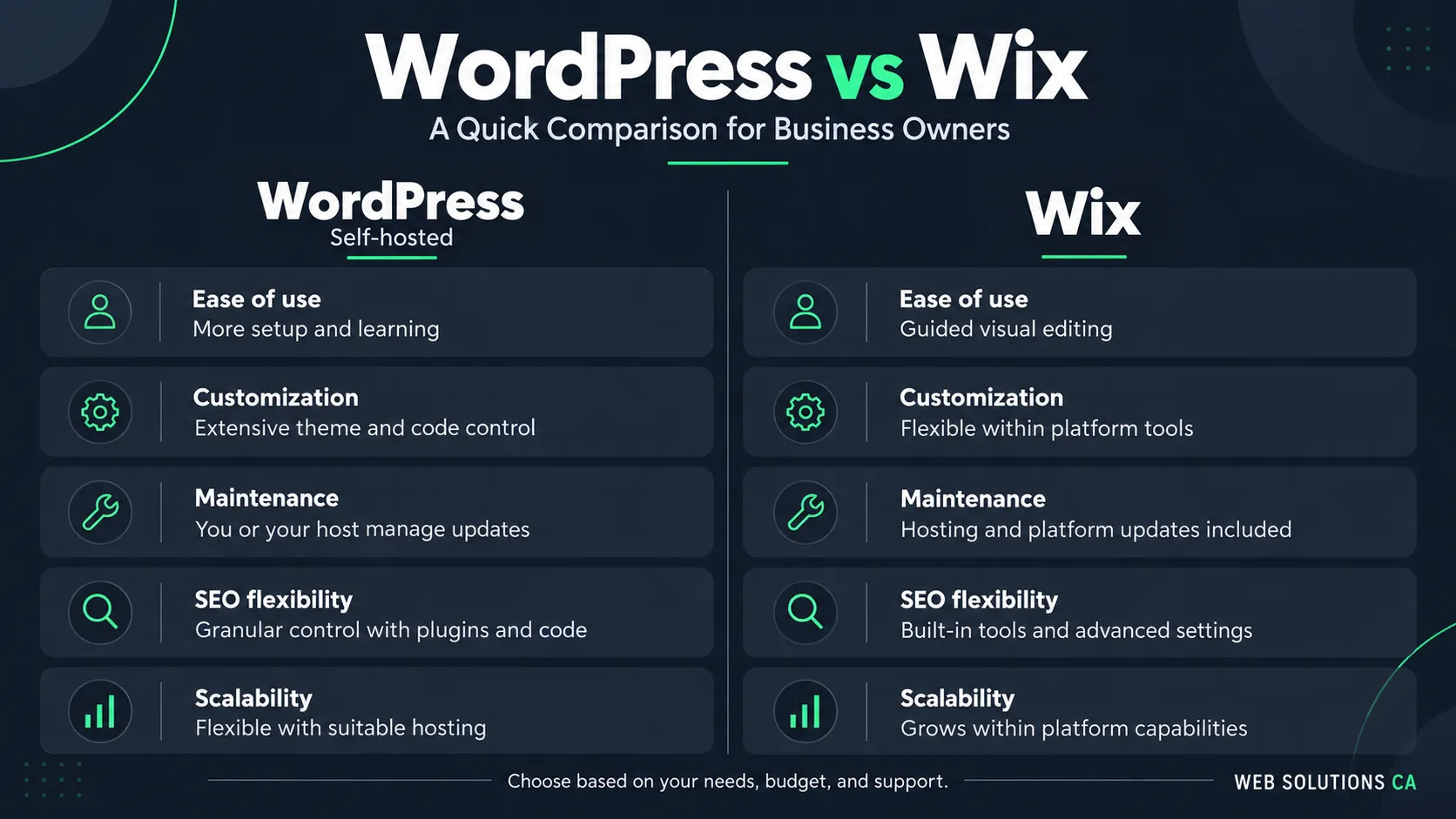
| Factor | Wix | Self-hosted WordPress |
|---|---|---|
| Ease of use | Fewer setup decisions | More tools to choose and configure |
| Cost | Subscription plus optional extras | Hosting, domain, and chosen extras |
| SEO | Built-in settings | Plugins and deeper implementation control |
| Customization | Editor, apps, and developer tools | Themes, plugins, and editable code |
| Maintenance | Hosting infrastructure managed | Divide responsibilities with your host |
| Scalability | Check feature and plan limits | Expand with suitable hosting and development |
For beginners: Here is a quick answer to the most-asked question: WordPress or Wix, which is better for beginners? For Wix vs WordPress for a very simple website, Wix is my starting recommendation. A five-page consultant website rarely needs custom development.
Understanding Wix, WordPress.org, and WordPress.com
Wix: A hosted website builder with visual editing and business tools.
WordPress.org: Open-source software installed with a hosting provider you choose.
WordPress.com: A hosted WordPress service with managed infrastructure and plan-specific features.
WordPress.com and WordPress.org use the same underlying software, but their hosting arrangements differ. The official comparison explains that distinction.
Note: Below, “WordPress” means self-hosted WordPress.org. WordPress.com subscriptions aren’t included in the cost comparison.
Start With What Your Website Needs to Do for Your Business
List your requirements: What you want to accomplish, the buttons you need, and who is responsible for the website handling. This small business website design guide can help you turn that list into a practical page plan. Before choosing a website platform or design, identify the main actions you want visitors to take.
- Generate Calls and Quote Requests: Make it easy for potential customers to reach you with visible phone numbers, clear calls to action, and simple quote request forms.
- Accept Appointments and Service Bookings: Let customers book services online with scheduling tools, service selection, and automated confirmations.
- Sell Products and Collect Payments: Support online sales with product listings, inventory management, secure payments, and order tracking.
- Publish Helpful Content That Supports Sales: Use service pages, FAQs, blog posts, and case studies to answer questions, build trust, and turn visitors into customers.
How Much Work Will It Take to Build and Manage Your Website?
Building It Yourself or Working With a Designer
Wix puts editing and hosting in one environment. WordPress requires you to choose a host, theme, and plugins. Its Gutenberg Editor handles block-based content; Elementor is an optional visual builder.
If you hire a designer, ask them to demonstrate three tasks: changing your hours, replacing a photo, and editing a service description.
Updating Content and Managing Website Security
For WordPress, agree on who handles software updates, website backups, restoration, and plugin compatibility. Managed hosting may cover some tasks, so check the actual agreement.
Wix handles its hosting infrastructure. You still manage account access and check forms after changes.
Website Security Management: On either platform, SSL certificates don’t prevent weak passwords or missed inquiries.
What Will Your Website Really Cost Over Three Years?
WordPress vs Wix pricing should compare the same service level. Here’s an illustrative USD budget, not a quote. Both websites are owner-managed, with unchanged annual assumptions and no promotional discounts.
| Expense | Wix: year one | Wix: three years | WordPress: year one | WordPress: three years |
|---|---|---|---|---|
| Subscription with hosting | $360 | $1,080 | $0 | $0 |
| Separate hosting | Included | Included | $240 | $720 |
| Domain | $20 | $60 | $20 | $60 |
| Premium apps or plugins | $120 | $360 | $120 | $360 |
| Outsourced maintenance | $0 | $0 | $0 | $0 |
| Total | $500 | $1,500 | $380 | $1,140 |
Hosting, Domains, and Subscription Fees
Cost assumptions: Wix is budgeted at $30 per month, including hosting. Self-hosted WordPress is budgeted at $20 per month for hosting. Domain registration is estimated at $20 per year, and premium apps or plugins at $120 per year. These are planning figures, not verified current prices. Taxes, email, payment processing, professional design, and the value of your own time are excluded.
Check Wix’s current plans before buying. Billing periods, location, and promotions affect the checkout price.
Premium Features, Maintenance, and Support
Budget separately for design, email, taxes, payment processing, and your time. Ask both providers or designers what support includes.
If equivalent support costs $50 monthly on either setup, add $600 annually or $1,800 over three years to that option. Compare written scopes, not just totals.
The cheapest setup on paper may demand more of your time. Keep a separate estimate for monthly editing, troubleshooting, and checking inquiries. Even a rough allowance helps you decide whether paying for support would make running the business easier.
How Much Control Will You Have Over Design and Customization?
Templates, Branding, and Mobile Design
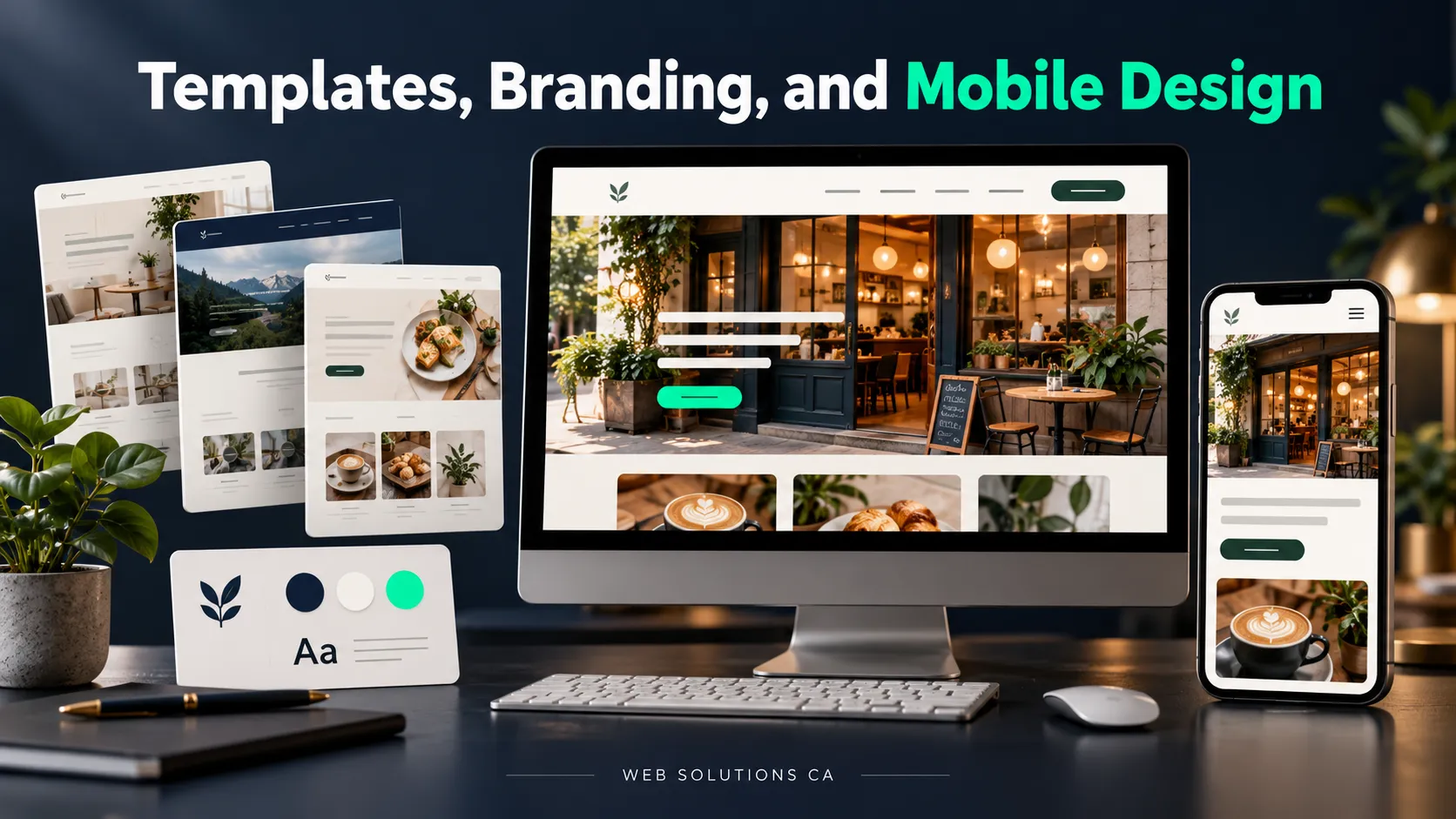
Both WordPress and Wix can produce an attractive website. The useful question is whether you can build your particular layout and maintain it affordably. Check existing apps or plugins before commissioning custom code.
Adding Trust Signals and Clear Paths to Contact
Place real reviews near your inquiry form. Explain what happens after submission. Keep your phone number easy to tap. Use this website design evaluation guide to review navigation, accessibility, and mobile usability before launch.
Which Platform Fits Your SEO and Content Strategy?
Wix supports essential SEO settings; WordPress offers more implementation freedom. Neither choice replaces useful content. Your priorities also depend on whether you’re targeting nearby customers or a wider audience, since local SEO and traditional SEO call for different approaches to targeting and content.
| Capability | Wix | WordPress |
|---|---|---|
| Metadata | Built-in editing | Usually an SEO plugin |
| URLs | Editable within platform rules | Configurable permalinks |
| Redirect | Redirect manager | Plugin or server setup |
| Structured data | Presets and custom markup | Plugin or custom code |
| Blogging | Integrated blog tools | Flexible publishing structures |
| Internal Linking | Add contextual links | Contextual links plus optional tools |
| Technical SEO | Hosted-platform controls | Hosting and code-level options |
Wix documents its metadata, redirects, and structured data controls in its SEO feature guide. WordPress explains its extensibility in its features documentation.
For experienced users: Already have website-building experience and need more control over your website? Use WordPress for a growing business. Its extensive plugin ecosystem, customizable code, and flexible hosting options make it a strong choice for experienced users who need more control over how their website works and grows.
Building Service Pages, Location Pages, and Blog Content
WordPress
Offers more flexibility for custom content relationships and complex content structures.
Works well for building service pages, location pages, and organized blog content.
Wix
Supports blog posts and service pages with a simpler publishing process.
Works well for straightforward articles and smaller content libraries.
I’d favor WordPress for custom content relationships. For straightforward articles, either can work. For small and medium businesses serving a specific area, reaching customers through local search is a practical reason to prioritize clear service descriptions, accurate location details, and answers to common customer questions.
Managing Internal Links, On-Page SEO, and Technical SEO
WordPress
Offers greater control over SEO customization through plugins and technical settings.
Supports more advanced internal linking strategies as your site grows.
Wix
Includes built-in SEO tools for managing page titles, URLs, and other on-page basics.
Works well for businesses with straightforward SEO needs.
WordPress offers more control over advanced SEO settings and customization. However, before changing platforms for SEO, identify the actual restriction. A missing service page needs content; it doesn’t automatically need a different CMS. If you’re bringing in outside help, choosing an SEO agency should involve asking how its recommendations address your website’s specific limitations and business goals.
Will Your Website Work With the Tools You Already Use?
Connecting Forms to Your CRM and Email Marketing
Check your exact CRM and Mailchimp requirements in the Wix App Market or WordPress plugin directory. Confirm which plan or paid extension is necessary.
Test whether a submission creates the correct contact record, records consent, and alerts the right employee.
Syncing Bookings, Payments, and Inventory
Compare Wix’s commerce tools with a WordPress setup using WooCommerce against your existing operations.
For bookings, test deposits and cancellations. Confirm payment and POS availability in your country before committing.
WordPress vs Wix: Scalability and Long-Term Flexibility
When You Need More Features
Think about what your business might need next:
- More pages or blog posts: Either platform can work.
- More bookings or online sales: Check whether your plan and tools support your requirements.
- Custom features: WordPress offers more flexibility for things like customer portals with personalized pricing. You’ll need someone to build and maintain them.
Consider changing platforms when a specific limitation gets in your way. More visitors alone doesn’t mean you need to rebuild.
If You Decide to Switch Later
Switching platforms takes planning, especially if customers already rely on your website.
Leaving Wix usually means rebuilding your site’s design. You can’t simply export the complete website and host it elsewhere, as explained in Wix’s export guidance.
WordPress gives you more freedom to change hosting providers, but the move still needs careful testing.
Before either migration, inventory content, map changed URLs, and verify forms and analytics. Keep domain registration and account access under your business’s control.
Before You Commit: Test One Complete Customer Journey
Use a prototype and work through this checklist:
- Open a service or product page.
- Find contact or booking details.
- Submit a form or make a booking.
- Repeat everything on your phone.
- Check confirmation messages and staff notifications.
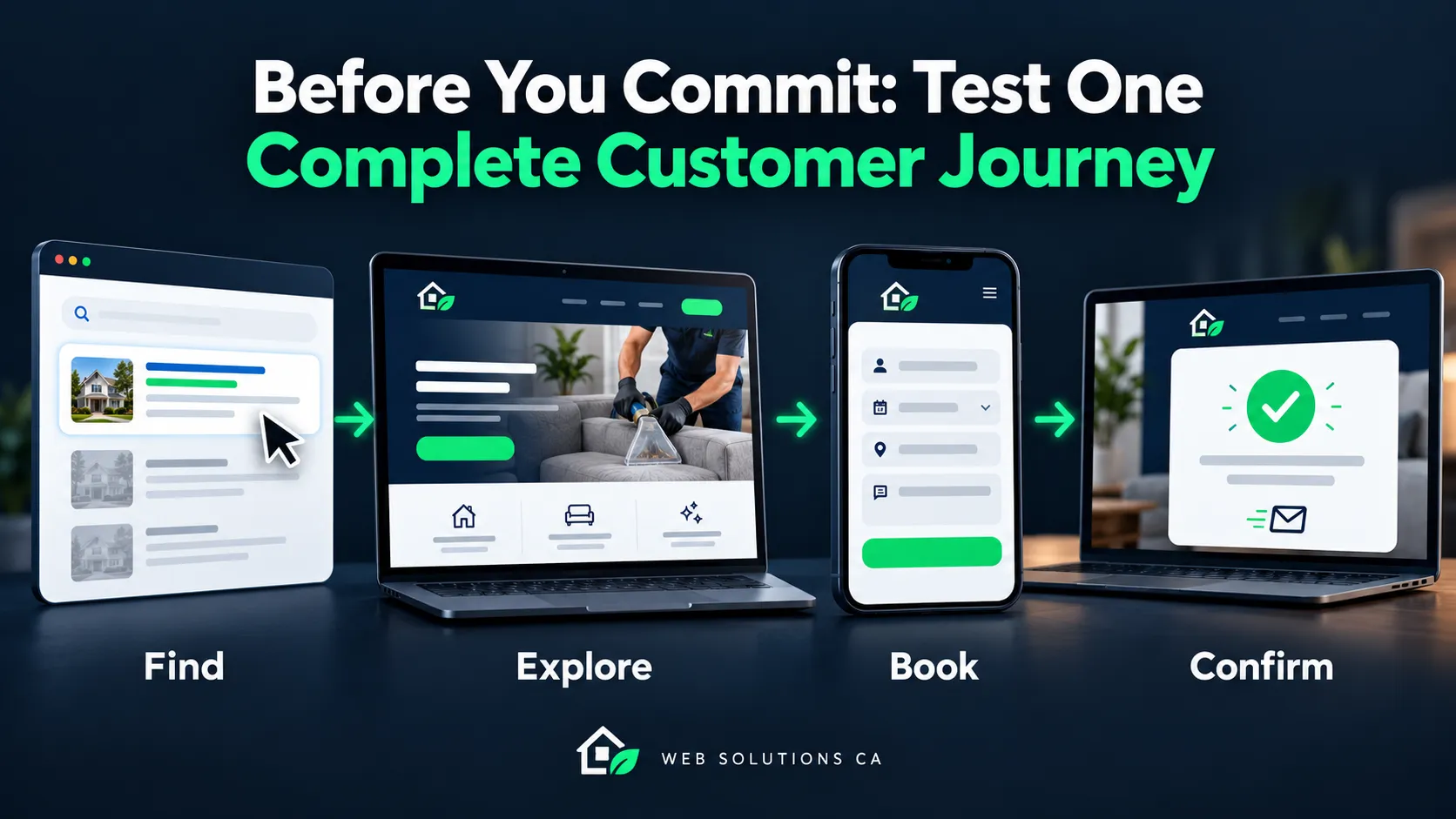
Include one mistake, such as an invalid email address. Helpful error messages matter when customers are trying to reach you.
WordPress vs Wix: Which Is Best for Your Business?
| Your business needs | Which platform should you choose? | Why? |
|---|---|---|
| A Solo Owner Who Needs a Simple Online Presence | Wix | Standard pages and straightforward editing |
| A local service website that brings in calls, quote requests, or bookings | Either | Wix for standard inquiries; WordPress for custom workflows |
| An online store connected to a physical shop | Test Both | Compatibility with existing POS and inventory |
| A Growing Business With Custom Website Requirements | WordPress | Budget for development and ongoing upkeep |
Final Verdict: WordPress or Wix for Your Small Business?
Choose the platform that handles your essential tasks at a cost you understand. Test the customer journey, check renewal terms, and assign maintenance responsibilities.
| Category | Our Pick |
|---|---|
| Ease of use for beginners | Wix |
| Design flexibility and customization | WordPress |
| Ecommerce | Draw: depends on your store’s needs |
| Advanced SEO control | WordPress |
| Blogging and content management | WordPress |
| Centralized platform support | Wix |
| Apps, plugins, and custom integrations | WordPress |
| Less hands-on maintenance | Wix |
| Loading speed | Depends on hosting, design, and optimization |
Choose Wix if you want a straightforward website you can manage yourself. Choose WordPress if you need custom features and are ready to invest in development and maintenance.
Get Help Choosing and Building Your Website
Ready to build a website that makes it easier for customers to contact you? Explore Web Solutions CA’s web design and development services. We can help you plan your pages, choose a suitable platform, and create a clear path from visitor to inquiry.
Frequently Asked Questions
Can I use WordPress without a developer?
Yes. You can edit pages and publish posts yourself. You may need help with setup, maintenance, or custom features.
Is WordPress cheaper than Wix?
It can be. Compare hosting, paid tools, renewal prices, and support costs. WordPress software is free, but running the website isn’t.
Do I need WordPress to rank on Google?
No. Both Wix and WordPress support SEO. Useful content, clear page structure, and a well-maintained website matter more than switching platforms alone.
Can I move from Wix to WordPress and keep my domain?
Yes, you can keep your domain. However, you’ll usually need to rebuild the design and transfer your content.
Will switching platforms affect my rankings?
It can. Keep important content, redirect changed URLs, and test the new website carefully to reduce disruption.
Should I switch if my Wix website works well?
Usually, there’s no need. Consider switching when a specific limitation prevents you from doing something your business needs.
What are the downsides of Wix?
Wix gives you less control over hosting and some custom features. Moving to another platform usually means rebuilding your website’s design.
Which is cheaper, WordPress or Wix?
WordPress can cost less if you manage it yourself. Paid plugins and professional support can increase the total. Compare renewal costs for the features you need.
Is Wix or WordPress better for a very simple website?
Wix is usually easier for a basic website with a few pages. WordPress makes sense if you already know it or expect to need custom features.
Is WordPress or Wix better for blogging?
Wix works well for a straightforward blog. WordPress offers more flexibility for organizing a larger content library and adding custom publishing features.