
You've spent time building your website, added your services, and maybe even started publishing content. But there's one problem: people aren't finding it. You're getting very few visitors, and you're not sure what needs to change.
So, why is my website not getting traffic?
The answer isn't always obvious. Your website might have indexing issues, target the wrong keywords, or have technical SEO problems that limit its visibility on Google. And sometimes, your pages appear in search results, but people simply aren't clicking.
In this guide, we'll cover seven common reasons your website isn't getting traffic, how to identify what's going wrong, and practical steps you can take to fix it.
First, Find Out Why Your Website Traffic Is Low
Before making changes, identify where the problem starts. Is Google unable to find your pages? Are they appearing in search results without getting clicks? Or are visitors reaching your website but leaving without contacting you?
Start with Google Search Console to check indexing and organic search performance. Then use Google Analytics 4 (GA4) to understand traffic sources and visitor behavior.
| What You're Seeing | Possible Problem | Where to Check |
|---|---|---|
| Pages aren't appearing on Google | Indexing or visibility issues | Search Console URL Inspection |
| Impressions but few clicks | Low rankings or weak search snippets | Search Console Performance |
| Visitors but no inquiries | Traffic quality or conversion issues | GA4 reports |
| Sudden traffic decline | Ranking changes or technical errors | Search Console trends |
| Search Console shows clicks, but GA4 doesn't | Tracking or reporting differences | GA4 configuration |
The key is identifying the actual problem before making changes. Improving meta descriptions won't fix an indexing issue, and submitting your sitemap again won't improve content targeting the wrong audience.
7 Common Reasons Your Website Isn't Getting Traffic
1. Your Website Isn't Properly Indexed by Google
Website indexing means Google has processed a page for possible inclusion in its search index. If Google doesn't index important pages, they generally won't appear in organic search results.
How to check: Open Google Search Console, select URL Inspection, and enter an important page URL. The report shows its indexing status and any known issues.
How to fix it:
- Confirm the page loads and returns a successful HTTP response.
- Check for accidental noindex directives.
- Make sure Google's crawlers can access the content.
- Submit your XML sitemap and request indexing when appropriate.
If a page is marked "Crawled, currently not indexed," review whether it offers useful, distinct information and has relevant internal links.
You can also search site:yourdomain.com for a rough indication of which pages appear in Google's index, although Search Console provides more reliable information. Keep in mind that new pages may take days or weeks to be indexed, and submitting a URL doesn't guarantee inclusion.
2. You're Targeting the Wrong Keywords
Your website might be optimized for phrases that sound professional but don't match what customers actually search for.
For example, a roofing contractor might target "residential roofing solutions" while customers search for "roof leak repair near me." Both relate to roofing, but they attract different search intentions.
How to fix it:
Start by reviewing queries generating impressions in Google Search Console. Then use Google autocomplete and keyword research tools to discover relevant opportunities.
Focus on keywords that:
- Match your products or services.
- Reflect customer needs.
- Have relevant search demand.
- Fit the purpose of your website pages.
Don't prioritize search volume alone. Focus on keywords that attract potential customers, especially those searching for specific services or solutions.
A keyword with 100 relevant searches may be more valuable to your business than one attracting thousands of visitors with no intention of becoming customers. For location-based businesses, our local keyword research guide explains how to find relevant search terms.
3. Your Content Doesn't Match Search Intent
Search intent describes what someone wants to accomplish when performing a search. Even if you're targeting the right keywords, your content may not provide the information visitors expect.
For example, someone searching “buy running shoes” wants to explore products and make a purchase, not read about the history of running shoes. A page that provides historical information instead of product options may fail to meet the searcher's expectations.

How to fix it:
Search your target keyword and review the top-ranking results. Are people looking for tutorials, informational articles, comparisons, or service pages?
Match your content to that expectation. If visitors want pricing, provide useful cost information. A well-planned content strategy also helps you decide which topics deserve blog posts and which need dedicated service pages, so every page serves a clear purpose.
AI-powered search features may also answer simple questions directly. Offering deeper explanations and useful resources can give people more reasons to visit your website.
4. Your Pages Appear in Search Results but Don't Attract Clicks
Your website may receive search impressions without attracting many visitors. Click-through rate (CTR) measures the percentage of impressions that result in clicks.
For example, 20 clicks from 1,000 impressions represent a 2% CTR. Whether that's good depends on the query, ranking position, and search results layout.
How to fix it:
Open Google Search Console's Performance report and identify pages receiving impressions but relatively few clicks.
Check their average search positions and the queries triggering those impressions.
Consider this hypothetical example: A service page receives 2,000 impressions but only 10 clicks. If its average position is 18, low rankings may explain much of the problem. Focus on improving content relevance and search visibility.
However, if the page regularly appears near the top for relevant searches but still receives few clicks, review its title and search snippet.
Generic title: Website Traffic Tips
Improved title: Why Your Website Gets No Traffic: Causes and Fixes
Use descriptive titles that communicate the page's value without exaggerated claims. Remember, advertisements, AI-powered answers, and other search features can influence clicks. Google may also generate its own snippets, so better titles don't guarantee higher CTR.
5. Technical SEO Problems Are Limiting Your Search Visibility
Your content may be useful, but technical problems can prevent search engines from accessing or understanding it properly. Technical SEO helps search engines discover, crawl, and interpret your website.
Common issues include:
- Robots.txt restrictions: Rules preventing crawlers from accessing certain URLs.
- Incorrect canonical tags: Signals identifying the wrong page as the preferred version.
- Broken redirects: URLs sending users or crawlers to incorrect destinations.
- Server errors: Problems preventing pages from loading reliably.
A robots.txt file controls crawling permissions, while a noindex directive tells search engines not to index a page. Google must be able to crawl a page to detect its noindex directive.
Canonical tags identify preferred versions of similar pages, but Google treats them as signals rather than strict instructions.
When several technical issues appear together, reviewing your website through a structured SEO audit can help you prioritize problems that affect crawling, indexing, and search visibility.
How to fix it:
Review the Page Indexing and Crawl Stats reports in Google Search Console. Inspect important URLs for response codes, canonical tags, redirects, and indexing restrictions.
For example, if an important service page incorrectly identifies an unrelated URL as canonical, update the tag to reflect the intended preferred page.
Not every technical SEO warning requires immediate attention. Prioritize issues affecting important service pages, especially those preventing indexing or disrupting pages that previously generated organic traffic.
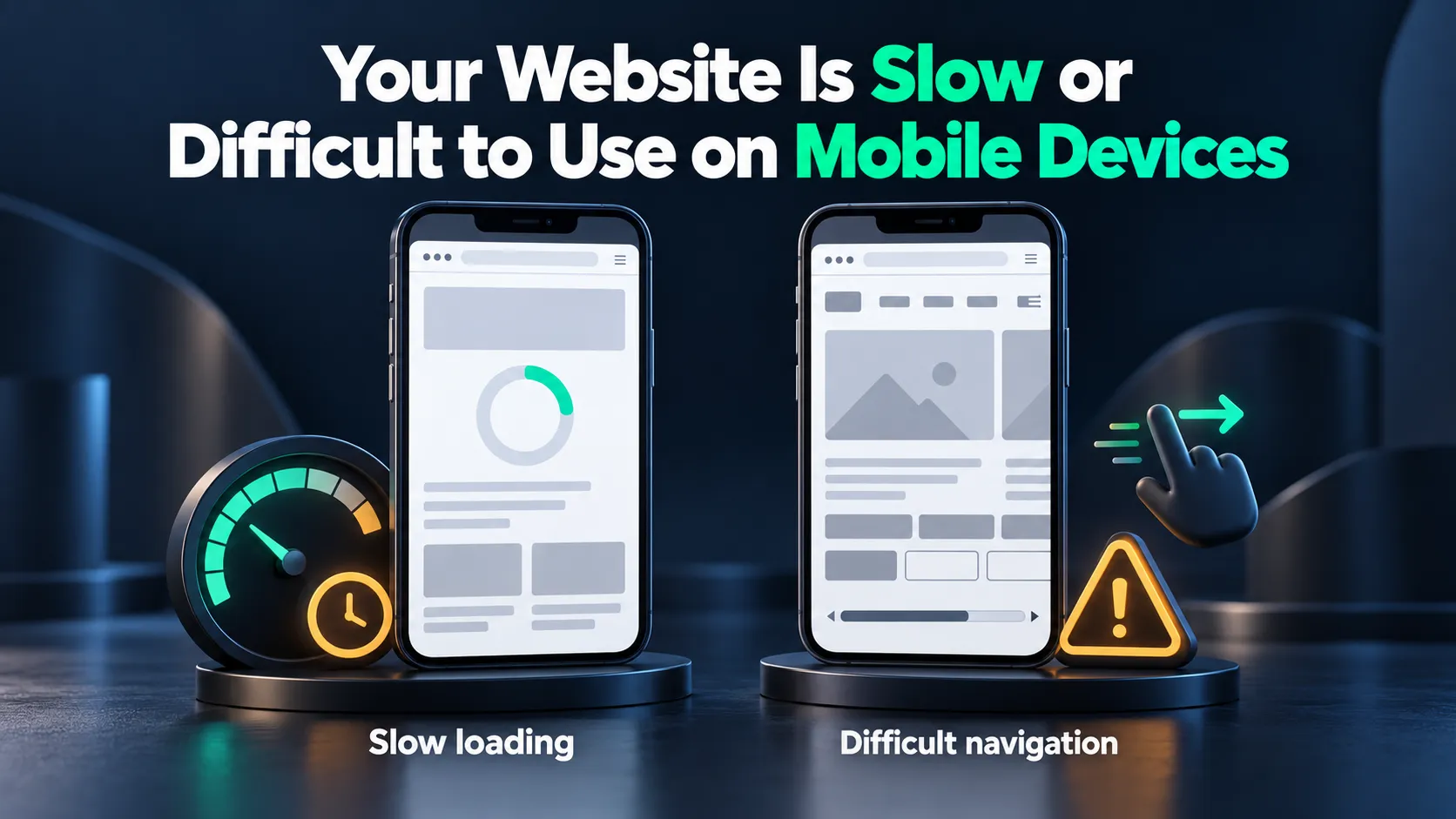
6. Your Website Is Slow or Difficult to Use on Mobile Devices
A slow or poorly designed website can frustrate visitors, especially those browsing on mobile devices. Large images, unnecessary scripts, unstable layouts, and confusing navigation can make it harder for people to find information or contact your business.
How to fix it:
Test important pages using Google PageSpeed Insights. Review loading performance, responsiveness, and layout stability through Core Web Vitals.
Start by compressing oversized images, reducing unnecessary scripts, and simplifying mobile navigation. Make sure visitors can easily find your services, contact information, and important pages. For more detailed advice, read our guide on why your website is slow and how to fix it.
7. Your Website Has Weak Internal Links and Limited Authority
Even useful content can struggle when important pages are difficult to discover or lack relevant links. Internal links connect pages within your website, while backlinks come from other websites.
Internal linking helps visitors and search engines discover related content. Relevant backlinks can contribute to your website's reputation and search visibility.
How to fix it:
Review your existing blog posts and identify opportunities to link to relevant service pages and supporting articles. Use descriptive anchor text that helps readers understand what they'll find.
For example, a blog discussing technical SEO problems could link to an SEO audit service page, while an article about local search visibility could direct readers to relevant local SEO resources. Prioritize links that genuinely help visitors explore related information.
Avoid purchasing manipulative backlinks or participating in link schemes. Our local link building guide explains practical approaches to earning relevant links.
Why Your Website Traffic Suddenly Dropped
If your website previously attracted regular visitors but traffic suddenly declined, the cause may involve changes in search rankings, customer demand, website functionality, or analytics tracking.
Google algorithm updates, increased competition, and seasonal trends can affect organic traffic. For example, an air conditioning company may get fewer visitors in winter because demand for cooling services typically drops.
Technical problems can also reduce traffic. A recent redesign, deleted pages, broken redirects, or accidental indexing restrictions may affect previously successful content.
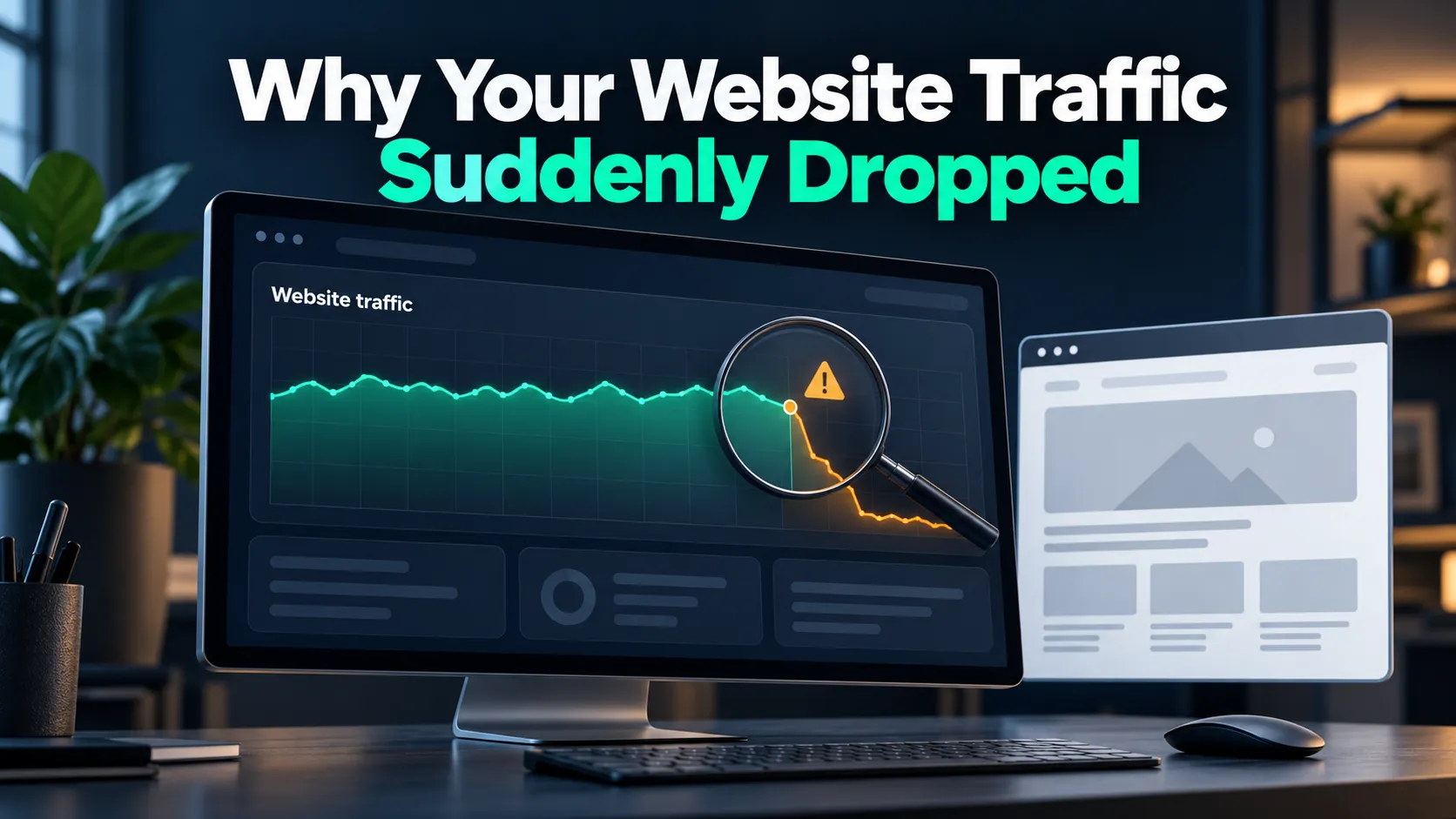
To investigate, open Google Search Console and compare performance before and after the decline. Focus on:
- Clicks, impressions, and average position: Identify whether search visibility, rankings, or clicks have declined.
- Affected pages: Check which URLs lost traffic and whether they were recently changed.
- Search queries: Review changes in impressions and rankings for important keywords.
- Seasonality: Compare equivalent periods, including the same period last year.
Use Google Trends to explore changing search demand and the Google Search Status Dashboard to review announced ranking updates and reported Search incidents. The goal is to identify what changed before making unnecessary SEO adjustments.
Frequently Asked Questions About Website Traffic
Why Is My New Website Not Getting Any Traffic?
Your website may not be indexed, may target competitive keywords, or may lack useful content and backlinks. Check Google Search Console to identify indexing and visibility issues.
How Long Does It Take for a Website to Start Getting Traffic?
There's no fixed timeline. Depending on competition, content quality, and SEO efforts, it can take several weeks or months to attract consistent organic traffic.
Can My Website Get Traffic Without SEO?
Yes. You can attract visitors through paid ads, social media, email marketing, and referrals. SEO helps build visibility through unpaid search results over time.
Why Am I Getting Website Impressions but No Clicks?
Your pages may rank too low, target irrelevant searches, or have unappealing titles. Check search queries, average positions, and click-through rates in Google Search Console.
Start Turning Your Website Into a Reliable Source of Traffic
Identifying SEO problems is only the beginning. Creating new content, improving existing pages, and monitoring search performance require time and consistent effort.
If managing everything yourself isn't practical, Web Solutions CA can help. Our SEO services focus on improving search visibility, optimizing content, and attracting relevant visitors who are more likely to become customers. Contact Web Solutions CA to discuss what's holding your website back.