
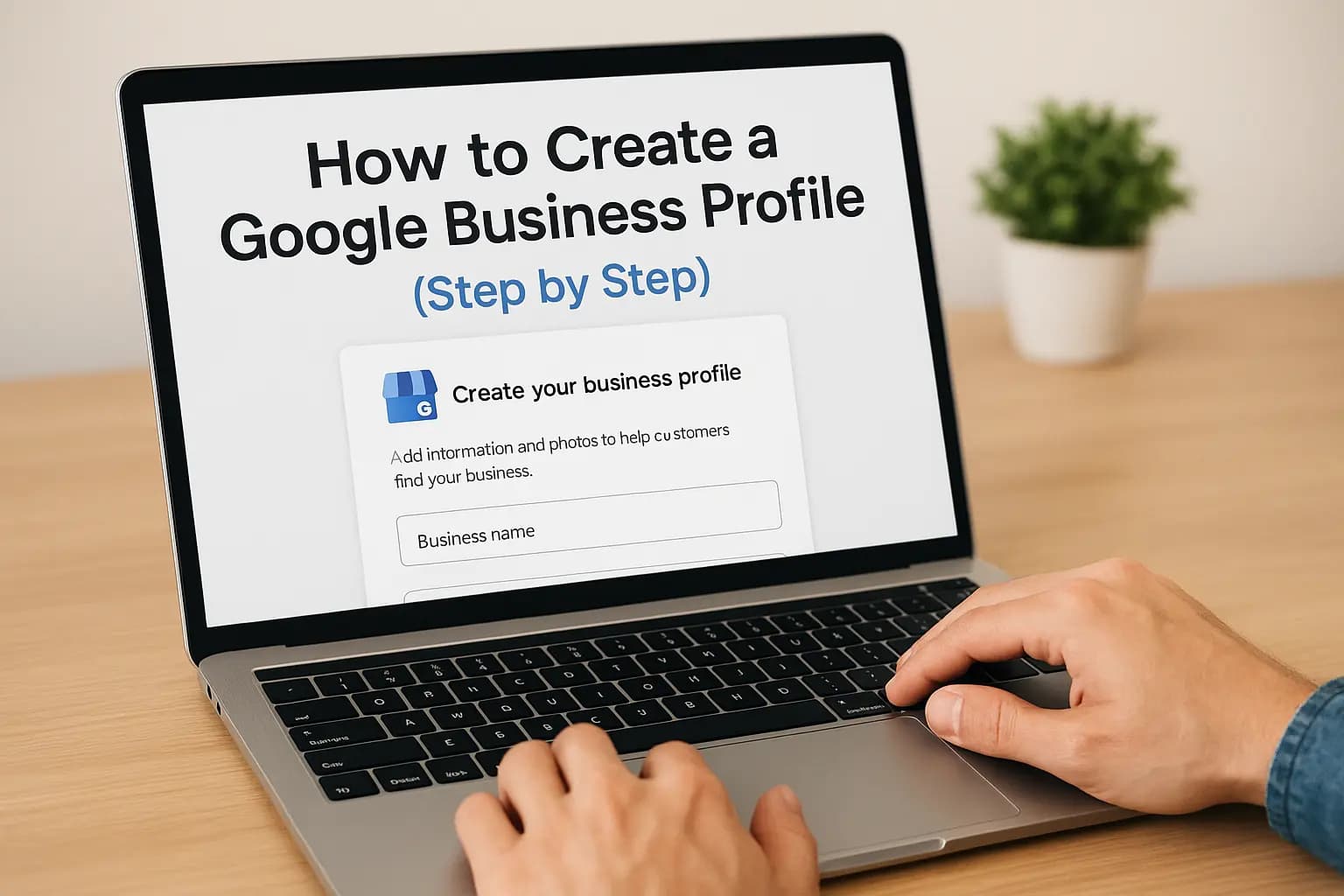
If someone in Orange County searches for a business like yours right now, does your listing show up in the Google Maps pack with your hours, phone number, and reviews? If not, you are losing calls to competitors who took twenty minutes to set theirs up. A Google Business Profile is the free listing that controls how you show up in Google Search and Maps, and for local service businesses it often drives more leads than the website itself.
This guide walks you through exactly how to create a Google Business Profile, from claiming your business name to verifying your address, so you show up when nearby customers search for what you offer. We cover the steps for creating a Google Business Profile whether you're a brand-new startup or a business that's been operating for years without ever claiming your listing, and you can compare them against our California guide to setting up a Google Business Profile in 2026.
We'll also cover the details most guides skip: choosing the right categories, adding photos that actually get clicks, and the basics of Google Business Profile management once it's live. If you've been putting this off because your website needs work too, we'll point out where the two connect with professional web design in Orange County. Let's get your business found.
Why your business needs a Google Business Profile
More than 60% of shoppers say they've used Google to find a local business in the past week, and most of those searches happen from a phone in the parking lot or on the couch deciding where to call. Google Business Profile management is what puts your business in front of those people at the exact moment they're ready to buy, without spending a dime on ads.
How local searches turn into calls
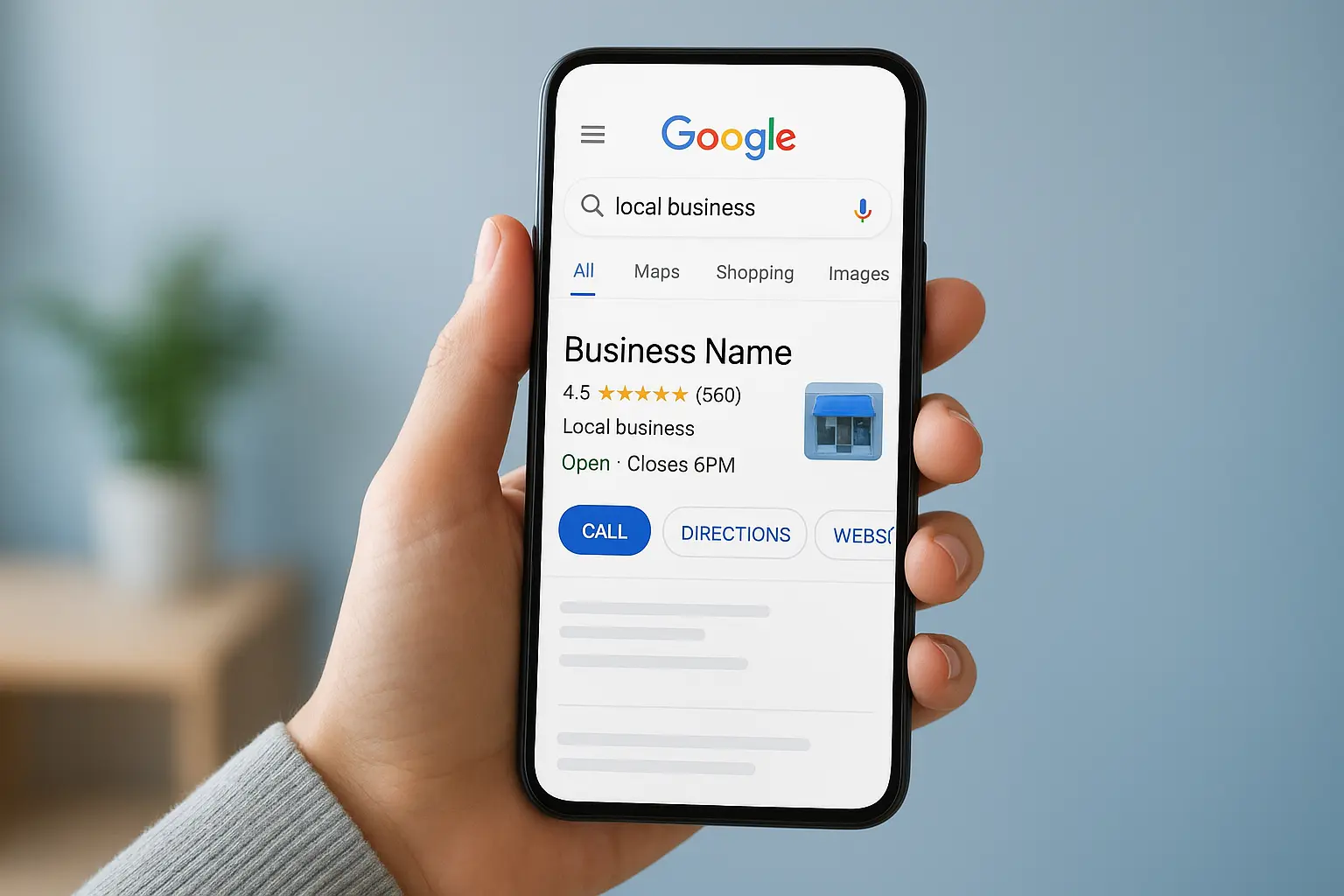
Google displays a Google Business Profile website view, complete with your hours, photos, reviews, and a click-to-call button, directly in the Maps pack above most organic results. A completed profile with photos and regular updates gets far more clicks than a bare-bones listing, and Google itself confirms that businesses with complete information are twice as likely to be considered reputable by users, according to Google's own guidance for business profiles. Customers checking you out before they call also compare your review count and star rating against the next three listings down, so a thin or missing profile puts you at an instant disadvantage.
If you're not on the map, you're not in the running.
What you lose without one
Skipping this step doesn't just mean a missing listing, it means Google fills that gap with whatever information it can scrape from directories, old citations, or your competitors' profiles instead. Without a verified profile, you can't:
- Control the phone number and hours customers see
- Respond to reviews or correct wrong information
- Show up in "near me" and Maps searches at all
- Post updates, offers, or new photos
Working businesses in Costa Mesa, Irvine, and across Orange County who claim and optimize their listing typically see a jump in calls within weeks, which is exactly why this is one of the first things we fix for new clients.
Step 1. Sign up and add your business name
Start at google.com/business and sign in with the Google account you want tied to your listing forever, ideally one your whole team can access rather than a personal Gmail that only you check. Google walks you through a simple form, and the first field asks for your exact business name, the same one that appears on your storefront sign, invoices, and licenses.
Matching that name matters more than most owners realize. Google's guidelines prohibit stuffing keywords or location names into this field, like "Smith Plumbing Costa Mesa Best Rated," and profiles that violate this get suspended fast, which means learning how to fix and appeal a suspended listing the hard way.
Your business name on Google should look exactly like it does on your front door, nothing more.
Here's what to have ready before you start:
- Your legal or DBA business name, spelled exactly as customers know it
- The Google account you'll use for ongoing management
- A rough idea of your service area if you don't have a walk-in storefront
Getting this first step right saves you a headache later, since Google Business Profile creation flags mismatched names for manual review, delaying everything else.
Step 2. Choose your business type and category
After your name is set, Google asks whether you run a storefront customers visit, a service-area business that travels to them, or both. Pick honestly here. A plumber who drives to job sites should choose service-area, while a retail shop with walk-in traffic needs the storefront option to unlock a map pin. This choice shapes how your google business profile website view displays your address later, so don't rush past it.
Picking the category that actually gets you found
Your primary category is the single biggest ranking factor in this whole process, more important than reviews or photos in many searches, so it deserves the same care as the rest of your local search setup for your listing.
Pick the category your customers would use to describe you, not the fanciest term for your industry.
A few rules to follow when creating a google business profile category:
- Choose the most specific option available, "Tax Preparation Service" beats "Business Service"
- Add secondary categories only if they're genuinely accurate
- Avoid categories competitors use just to rank, if it doesn't match what you do, skip it
Getting this right now saves you from a confusing re-categorization fight down the road.
Step 3. Add your location, contact info, and hours
Next, Google asks for your address, phone number, and website, and accuracy here matters more than convenience. Enter the exact address that matches your utility bills or business license, since Google Business Profile creation cross-checks this data and flags mismatches for manual review. If you're a service-area business, you'll hide the street address but still list the cities and zip codes you cover, so pick every Orange County city you actually serve, not just Costa Mesa.
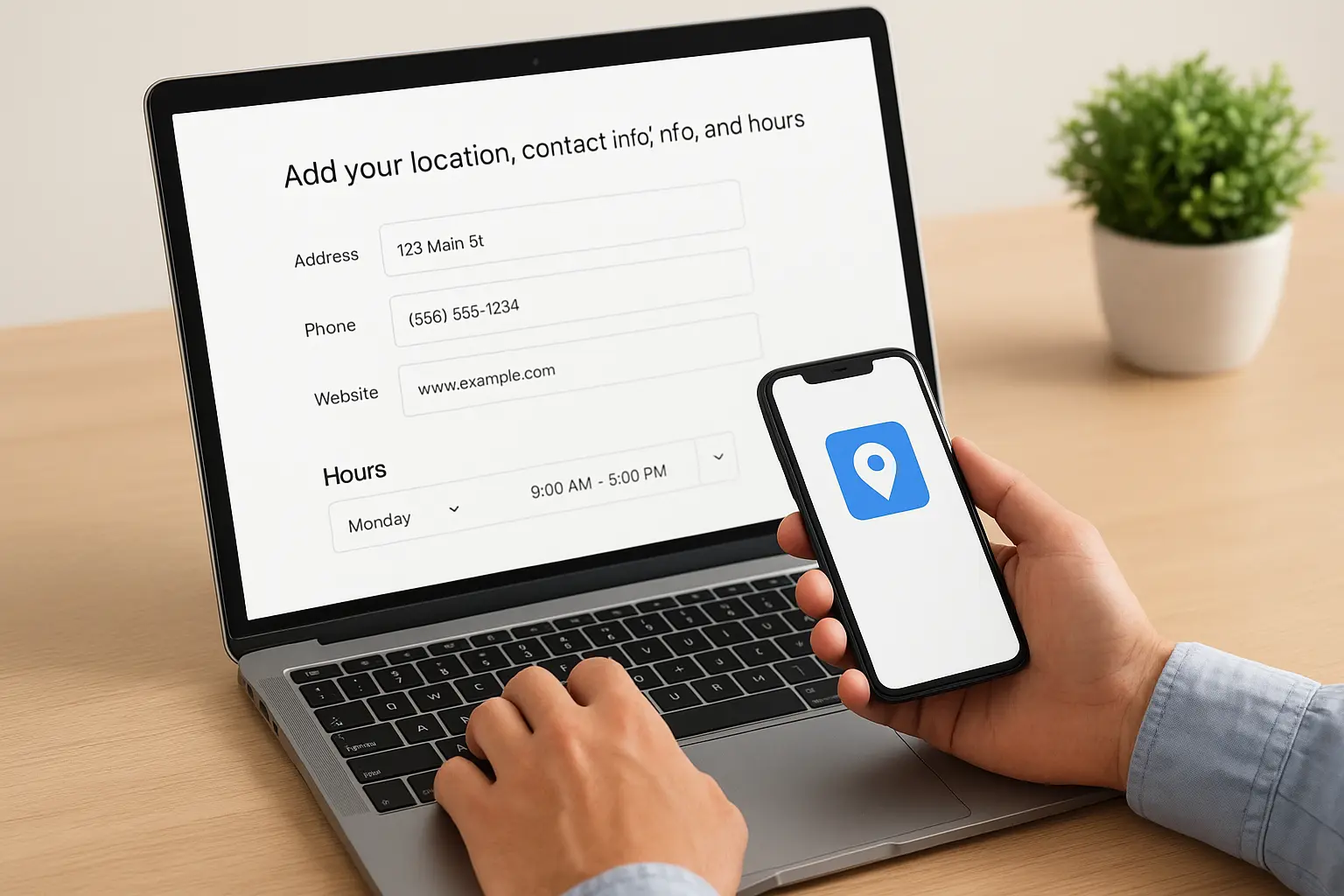
A wrong phone number costs you a call you'll never know you missed.
Set hours customers can trust
Your hours field needs the same attention. List your true operating hours, including any lunch breaks or seasonal changes, and update special hours around holidays every year. A few quick tips:
- Use a phone number that rings to a real person, not a voicemail that goes unchecked
- Add your live website URL now if you have one, or note it as a task if you don't
- Set holiday hours in advance so customers don't show up to a locked door
Customers checking hours before driving over will bounce to a competitor the moment yours look wrong or outdated.
Step 4. Verify, optimize, and manage your profile
Google won't publish your listing until you get your Google Business Profile verified, usually through a postcard mailed to your business address within five to seven days, though some categories qualify for instant phone or email verification. Enter the code exactly as printed the moment it arrives, since delaying verification leaves your profile invisible in search results while competitors keep showing up.
A verified profile with no photos still beats an unverified one with everything filled out.
Fill out every field before you publish
Once verified, treat Google Business Profile management as an ongoing task, not a one-time setup. Upload at least ten photos covering your storefront, team, and finished work, write a business description using natural language instead of stuffed keywords, and list your services with real prices when possible. Quick checklist for a strong launch:
- Add your logo and a cover photo at the correct Google Business Profile picture size
- Write a 750-character description mentioning what you actually do
- List services or products with accurate pricing
- Enable messaging so customers can text you directly
A thin profile with just an address rarely outperforms a competitor who filled in every section Google offers.
What to do after your profile goes live
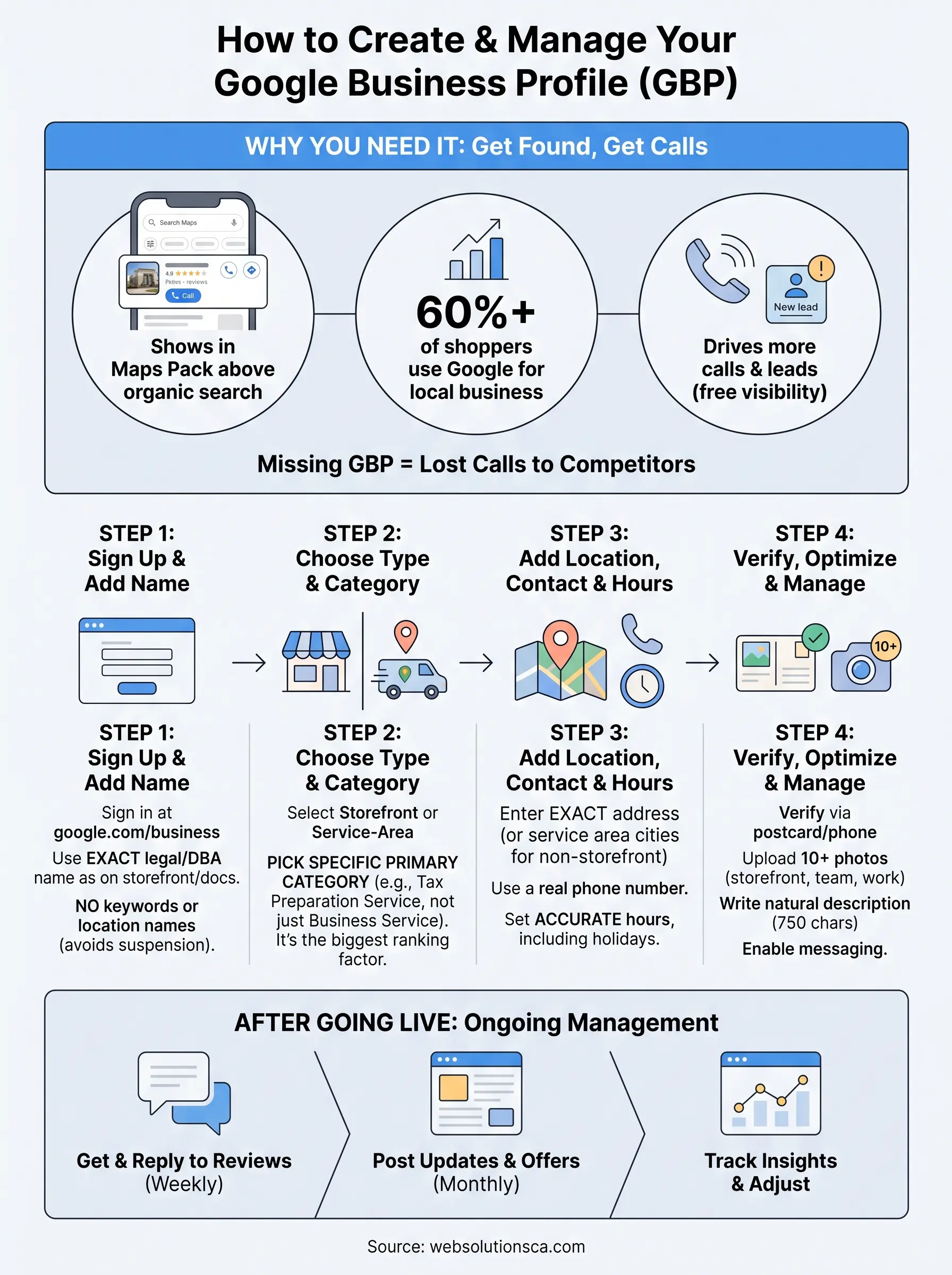
Going live is the starting line, not the finish. Ask happy customers for reviews every week, reply to every review within a couple of days, and post updates or offers monthly so Google sees an active Google Business Profile instead of a stale one. Track which searches bring people to your listing through the Google Business Profile insights tab, and use the listing editor to change your business information if calls slow down.
Owners in Costa Mesa and across Orange County who treat this like an ongoing channel, not a form they filled out once, see the steadiest stream of calls. Your profile also works best when it points to a fast, mobile-friendly site that turns those clicks into booked jobs, not a slow page that loses them at the door.
If your website needs that kind of work, or you'd rather have someone handle the whole setup and monthly management for you, look at our local SEO services for Orange County businesses and we'll get it done right.