
You searched google business profile ad because you want more calls and foot traffic without waiting months for SEO to kick in. Maybe you noticed a competitor's listing showing a promoted button or extra visibility in the map pack, and you want that same edge. Good news: it's doable, and it doesn't require a huge budget to get started.
Here's the direct answer: you can't buy a standalone "ad" that sits inside your Google Business Profile the way you might expect. What you actually do is link your profile to a Google Ads account and run Local campaigns or Search ads that pull data from your profile, showing up on Maps, in local search results, and near your listing. That combination is what most business owners mean when they search for google business profile advertising.
In this guide, we'll walk through the exact setup process step by step, from connecting your accounts to choosing the right campaign type and budget. We'll also cover whether google business profile ads are actually worth the spend for a small business, based on what we've seen work for local service providers here in Orange County.
What are Google Business Profile ads and are they worth it?
Google doesn't sell a separate product called a "Google Business Profile ad." Instead, your profile becomes the engine that powers ads running through Google Ads, specifically Local campaigns and Search ads with location assets attached. When someone nearby searches for what you offer, your ad can show your business name, address, phone number, hours, and photos, all pulled straight from your profile data. That's why the term google business profile ads gets used loosely to describe promoted visibility tied to your listing, even though the mechanics run through a different dashboard.
How the ads actually work
Once you link your accounts, Google Ads uses your profile information to build ads automatically across a few placements:
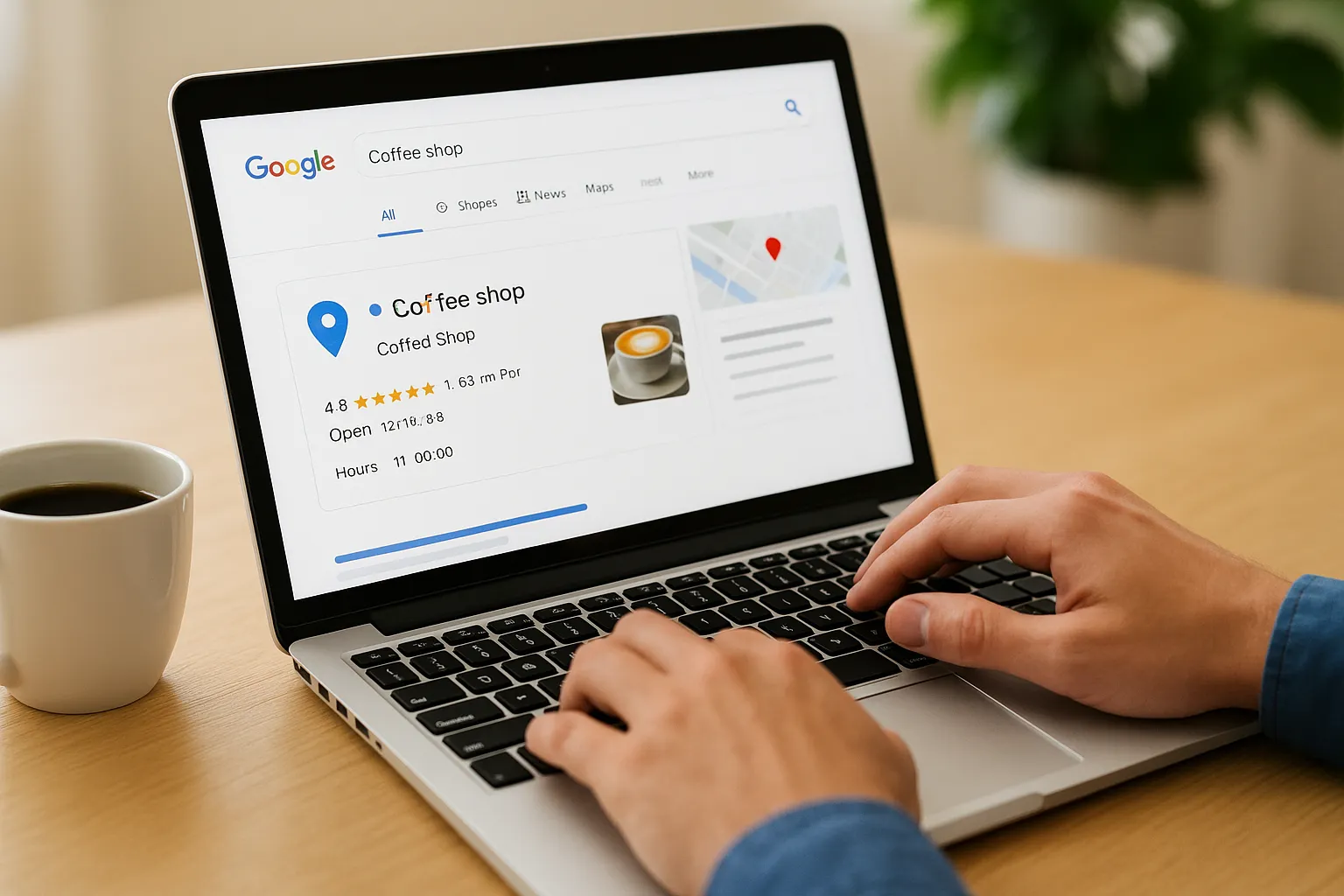
- Google Maps, where your pin and business card appear with a promoted label, alongside the listings earning higher Maps rankings organically
- Search results, near organic listings and the local map pack
- Google Display Network sites, when Local campaigns opt into broader reach
- YouTube, if you enable video assets in the same campaign
You set a daily budget and a goal (calls, visits, or direction requests), and Google's algorithm handles the bidding and placement decisions for you.
Are they worth the spend?
For most local service businesses we work with in Orange County, yes, but only after the free side of the profile is already solid. Paid visibility works best as an accelerant, not a replacement for a verified profile with reviews and accurate categories, so the profile optimization work comes first. If your profile is thin or unverified, you'll pay more per click for worse results.
Paid ads amplify a strong profile; they can't fix a weak one.
Here's a rough comparison of what to expect based on business type, separate from what Google Ads management itself costs in 2026:
| Business type | Typical daily budget | Best campaign goal |
|---|---|---|
| Home services (plumbing, HVAC) | $15-30 | Calls |
| Retail storefront | $10-20 | Store visits |
| Professional services (tax, legal, immigration) | $20-40 | Calls + form leads |
Think of google business profile advertising as a bridge while your organic SEO builds momentum, not a permanent substitute for it. Once you understand the mechanics, the setup itself only takes a few steps, which we'll walk through next.
Step 1. Verify your Google Business Profile
Before you touch Google Ads, confirm your Google Business Profile is actually verified. An unverified listing can't run Local campaigns or pull location data into Search ads, so this step is non-negotiable, not optional prep work. Log into your profile at business.google.com and check for a green checkmark next to your business name. If you see a pending verification badge instead, you've got homework to do first.
An unverified profile can't run a single ad, no matter how big your budget is.
Google typically verifies businesses through one of these verification methods, and the option offered depends on your business category and history:
- Postcard by mail: a code arrives at your business address in 5-14 days
- Phone verification: instant, but only offered to certain eligible categories
- Email verification: fast, and common for service-area businesses
- Video verification: newer option for businesses without a public storefront
Second, double check that your business information matches exactly across your profile, your website, and any directory listings like Yelp or the Better Business Bureau. Mismatched addresses or phone numbers slow down verification and can trigger a review flag. We've seen Costa Mesa clients get stuck for weeks simply because their suite number was missing on one listing.
Once verified, spend ten minutes filling in every section Google offers: categories, services, hours, attributes, and at least five recent photos sized to Google's recommended image dimensions. This isn't busywork, and it's the same groundwork that opens our 12-step plan for ranking higher locally in 2026. Google Ads pulls directly from these fields to build your ad assets, so gaps here become gaps in your ad. With verification confirmed and your profile filled out, you're ready to connect it to Google Ads.
Step 2. Link your Google Business Profile to Google Ads
Now that your profile is verified, head to your Google Ads account (or create one at ads.google.com if you're starting fresh). This connection is what turns your listing into an actual ad, and skipping it is the most common reason business owners think google business profile advertising isn't working when they never actually launched anything.
Linking the two accounts
Follow these steps inside Google Ads:
- Click the wrench icon, then select Linked accounts
- Find Google Business Profile in the list and click Details
- Choose Manage, then select the profile that matches your business name
- Confirm the link and check that your address, phone, and category pulled over correctly
If the wrong location shows up here, everything downstream in your campaign will be wrong too.
Confirm the connection before moving on
Google sometimes takes a few minutes to sync the data, so refresh the linked accounts page and verify your business details appear accurately before building any campaigns. Double-check the phone number specifically, since call tracking depends on it matching your profile exactly. Sync issues here cause more wasted ad spend than any bidding mistake we've seen with google business profile ads in Orange County.
Once the accounts show as linked and your details look correct, you're ready to build the actual campaign structure, which starts with location extensions and targeting settings in the next step.
Step 3. Set up location extensions and ad targeting
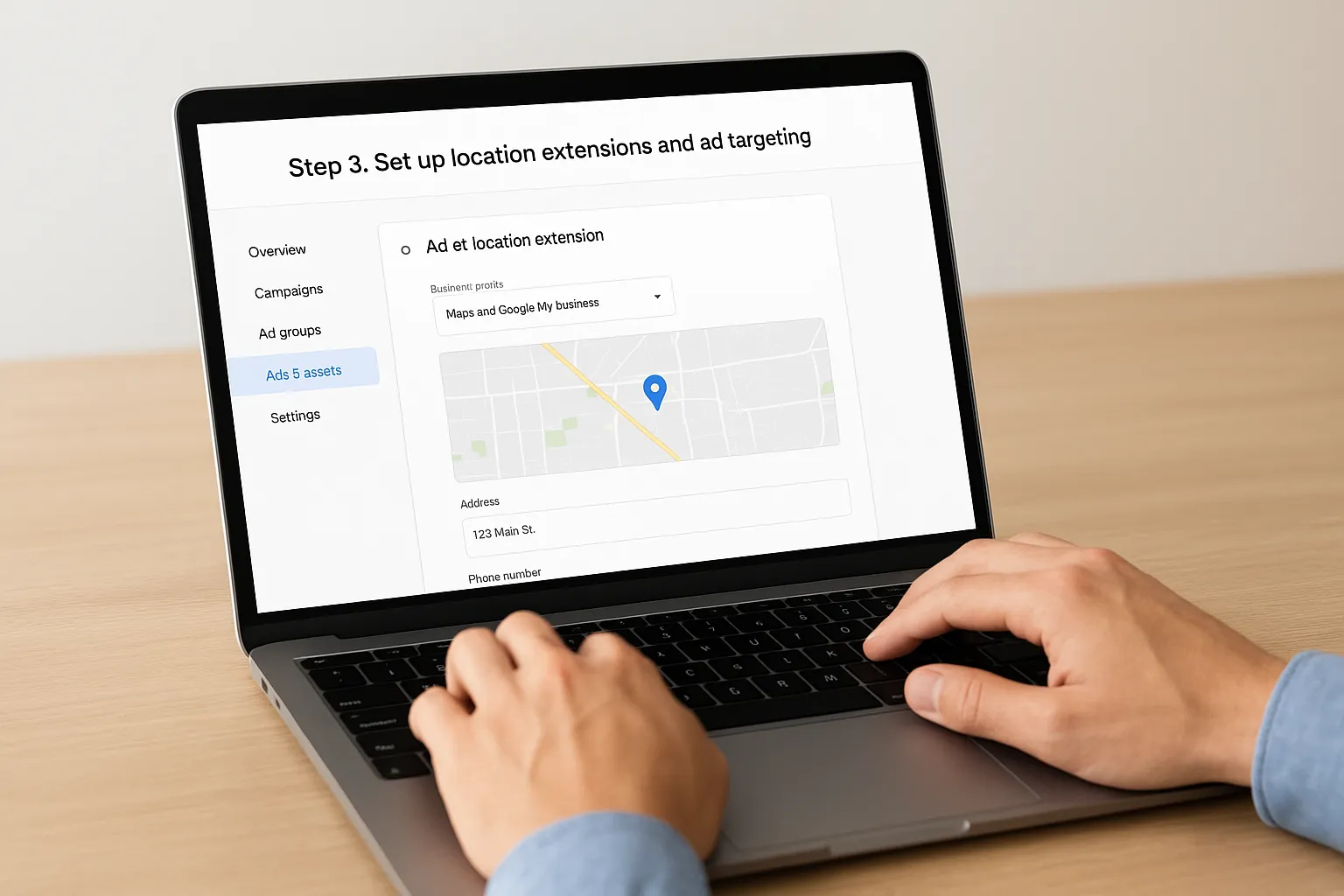
With your accounts linked, the next move is building location extensions, the piece that actually pulls your address and map pin into the ad itself. Inside your campaign, go to Ads & Assets, click Assets, then add a Location asset and select the Business Profile you linked in Step 2. Google grabs your address, phone number, and hours automatically, so double-check each field matches your live listing before saving.
Choosing the right radius
Targeting radius matters more than most business owners expect. Set it too wide and you'll pay for clicks from people who'll never drive to you; set it too narrow and you'll starve the campaign of volume.
- Home services: 10-15 mile radius around your service area, not your office
- Retail storefronts: 3-5 miles, since foot traffic rarely comes from farther out
- Professional services: match your actual client radius, often city-wide for Orange County firms
A radius that matches your real service area beats a radius that just looks impressive on paper.
Layering in targeting settings
Beyond radius, add relevant keywords, set your bidding strategy to Maximize Conversions if you're chasing calls, and exclude any locations where you don't actually service customers. This is also where you pick your primary goal, whether that's phone calls, direction requests, or website visits, since it changes how Google's algorithm optimizes spend. Skipping this targeting layer is a common reason google business profile ads underperform even after a correct link-up. Once targeting is dialed in, you're ready to launch and start watching real performance data come in.
Step 4. Launch your campaign and track results
With targeting locked in, click Publish and let your campaign run for at least two weeks before making changes. Google's algorithm needs that window to gather enough data to optimize bidding, and pulling the plug early is the fastest way to waste a budget on google business profile ads that never had a fair shot.
If you'd rather have the targeting, bidding, conversion tracking, search terms, and ongoing optimization managed for you, explore our Google Ads management for Orange County businesses.
Set a realistic launch budget
Start conservative. Most of our Orange County clients begin around $15-20 per day, then adjust once they see which days and hours actually produce calls. Google Ads lets you set a daily cap without a long-term commitment, so there's no reason to overcommit before you've seen real numbers.
Give a new campaign two full weeks before you judge it.
Track the metrics that actually matter
Skip vanity metrics like impressions and focus on what pays the bills:
- Call clicks: how many people tapped to call directly from the ad
- Direction requests: a strong signal for retail and home service businesses
- Cost per conversion: what you're actually paying per lead, not per click
- Conversion rate by location: useful if you run ads across multiple Orange County service areas
Review these numbers weekly inside Google Ads under the Campaigns tab, not just the summary dashboard. Small businesses that check this weekly catch wasted spend far faster than those who glance at it monthly. If you'd rather have someone else monitor and adjust this for you, our SEO and paid ads team handles this exact reporting for local clients every month, and it's worth seeing how agencies that manage Google Ads for small businesses compare.
Putting your Google Business Profile ads to work
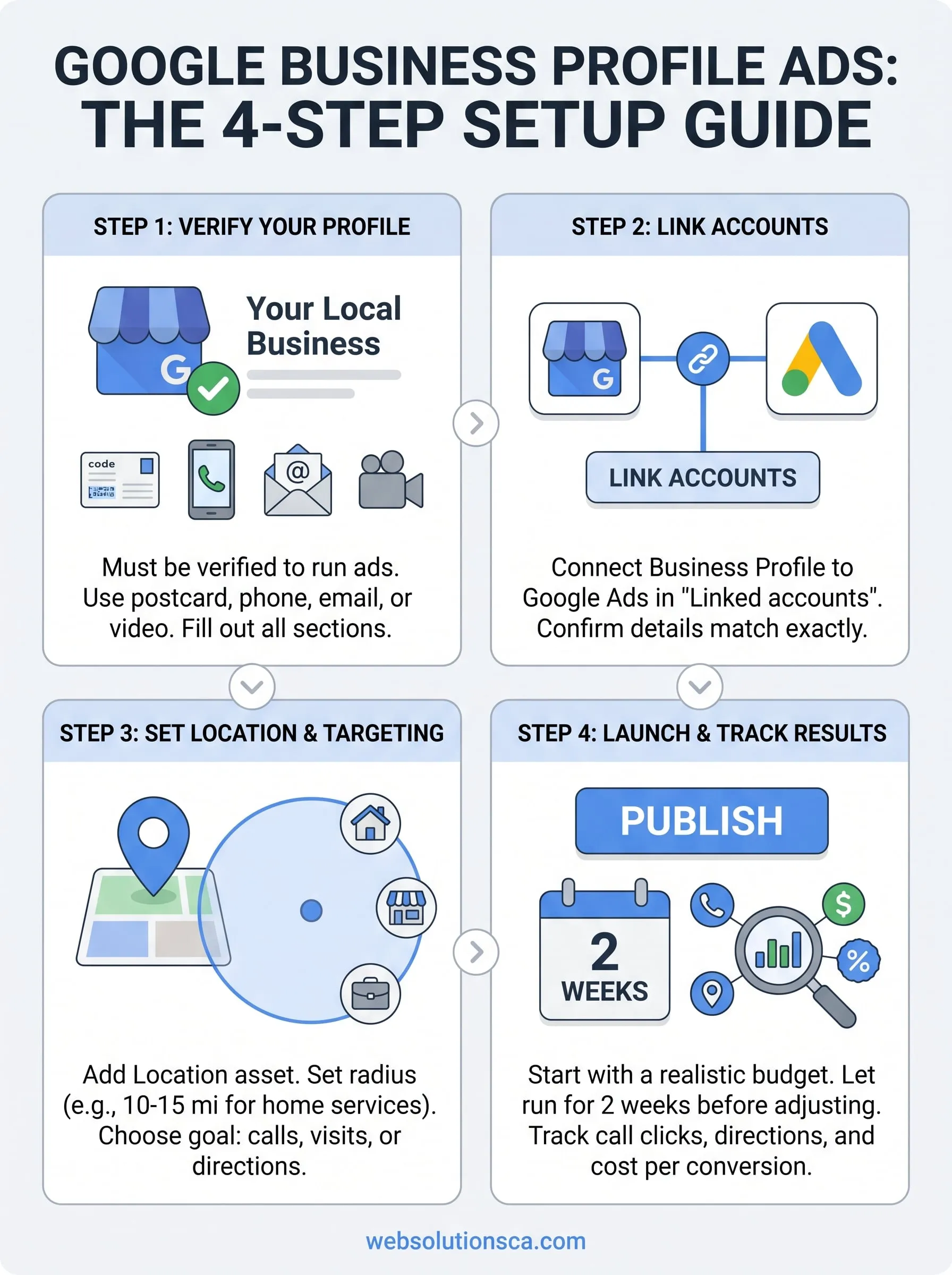
Getting a google business profile ad live isn't complicated once you see the mechanics: verify your listing, link it to Google Ads, dial in location targeting, then launch and give it two weeks before touching anything. The businesses that see real results treat this as a system, not a one-time task. They keep their profile filled out, check call clicks weekly, and adjust budget based on actual conversions instead of guesswork.
Skip any of these steps and you'll end up paying for clicks that never turn into calls. That's the real reason most google business profile advertising attempts fall flat, not the platform itself. Set it up correctly and you get a steady stream of local leads while your organic SEO catches up in the background.
If you'd rather hand off the setup and ongoing management to people who do this daily for Orange County businesses, talk to our Orange County team and we'll build the whole system for you.