
How to Improve Your Business Visibility on Google Maps
You know your business does good work. But when someone nearby searches for your service, competitors keep appearing before you. It’s frustrating, especially when you’re ready to take on more customers.
To improve your business visibility on Google Maps, start with an accurate, verified Google Business Profile, relevant business categories, and genuine customer reviews. Your website and other business listings should support those details with consistent information.
If you’re wondering “How to rank my business higher on Google Maps,” this guide explains what affects your position and walks you through seven practical steps. Google Maps SEO helps Google understand your business and gives customers reasons to contact you. Here’s where to focus your time.
How Does Google Decide Which Businesses Appear on Maps?
Google Maps rankings depend on how well a business matches a user's search and the information Google can find about that business. Google uses multiple signals to determine which businesses appear for different searches.
Relevance, Distance, and Business Prominence
According to Google's official local ranking guidelines, three main factors influence local results:
| Factor | What it means for your business |
|---|---|
| Relevance | How closely your business matches what someone needs. Accurate categories and clear service details help Google understand what you offer. |
| Distance | How far your business is from the person searching. Results can change depending on where the customer is. |
| Prominence | How well-known your business is. Google considers signals such as customer reviews and websites linking to your business. |
For example, if you’re a plumber in Costa Mesa, accurate categories help Google understand your services. These ranking factors are part of a broader local search strategy. Learn more about how local SEO differs from traditional SEO and where the two approaches overlap.
Why Is Your Business Not Showing Up on Google Maps?
Can’t find your business on Google Maps? Start by searching for your exact business name and city. This helps you work out whether your listing is missing or simply isn’t appearing for searches like “plumber near me.”
Your visibility for broader service searches may depend on your categories, business details, distance from the customer, and competition. If you still can’t find it, check these possible issues:
- Whether your profile needs verification.
- Pending edits or a recent address change.
- Duplicate listings or an eligibility issue.
- Incorrect business information.
How to Set Up and Verify Your Google Business Profile
Start by checking whether your business already has a listing.
- Search for your business. Sign in to a Google account your business controls, then search for your business name and city on Google Search or Maps.
- Claim or add your listing. Claim the existing profile if you find one. If someone else manages it, request access.
- Enter accurate business details. Add your real-world business name, relevant category, phone number, website, and hours.
- Complete the verification steps shown. Google selects the available methods for your business.
Keep primary ownership under a Google account controlled by your business, and grant employees or agencies the appropriate access through their own accounts. Our Google Business Profile verification guide walks you through the process.
Once you’re verified, check your public listing for accuracy. Regularly updating your details, services, and business information can help you get more out of your Google Business Profile optimization efforts.
7 Practical Tips to Improve Business Visibility on Google Maps
1. Choose the Most Relevant Categories for Your Business
Your business category should make it clear what you do. If you mainly handle tax preparation, choose the available category that best describes that service.
Start with your main business activity, then add other categories only where they accurately describe your business. Competitors can give you ideas, but their categories may not fit your services. Keep your selection focused, and review it when your main offering changes.
If you're unsure which category best describes your business, this guide to Google Business Profile categories explains how to choose the most relevant options.
2. Keep Your Business Information Accurate and Complete
Imagine a customer driving to your business only to find that you closed an hour earlier. Even if your service is excellent, outdated information has already created a frustrating first impression. Make it easy for customers to reach you by checking your:
- Business name, address, and phone number: Use accurate details that match how your business is represented elsewhere.
- Opening hours: Include holiday hours and temporary changes.
- Website and appointment links: Check that each link takes customers to the right page.
- Service areas and attributes: Describe where you work and include relevant details customers may need.
Your business description deserves attention too. For example: “We provide residential plumbing repairs and water heater installation for homeowners in Costa Mesa and nearby communities.” That gives customers useful information without forcing keywords into every sentence.
3. Add High-Quality Photos and Videos of Your Business
Show customers your entrance, workspace, team, products, or completed projects. A clear exterior photo helps someone recognize your location, while a project photo can show the type of work you handle.

When choosing business photos:
- Use clear, well-lit images of your actual business.
- Replace photos that no longer reflect your location or services.
- Show examples relevant to your main offering.
- Get permission before sharing identifiable customers.
4. Encourage Customer Reviews and Respond Professionally
Give your customers an easy way to share that feedback. After completing a service, send a brief thank-you message with your Google review link and ask for an honest review. Avoid offering rewards, buying reviews, or asking only customers you expect to leave positive feedback. Your responses matter too:
- For positive reviews: Thank the customer and acknowledge something specific they mentioned.
- For negative reviews: Address the concern calmly and offer a way to discuss the details privately.
- For every response: Keep personal information and confidential service details out of the conversation.
For more ideas, explore these ways to get more Google reviews without relying on incentives or selective review requests.
5. Showcase Your Products, Services, and Business Updates
Be specific. “Water heater replacement” gives a homeowner a clearer answer than “home services.” Likewise, a tax preparation business can distinguish individual tax returns from business tax preparation.
Where the relevant features are available, add:
- Products: Clear photos, accurate descriptions, and current details.
- Services: Individual entries explaining what you provide.
- Business updates: Useful information about availability, events, or changes.
- Booking links: A straightforward route to arranging an appointment.
Before publishing, ask yourself: “Does this help someone decide whether to contact us?” That question keeps your profile useful.
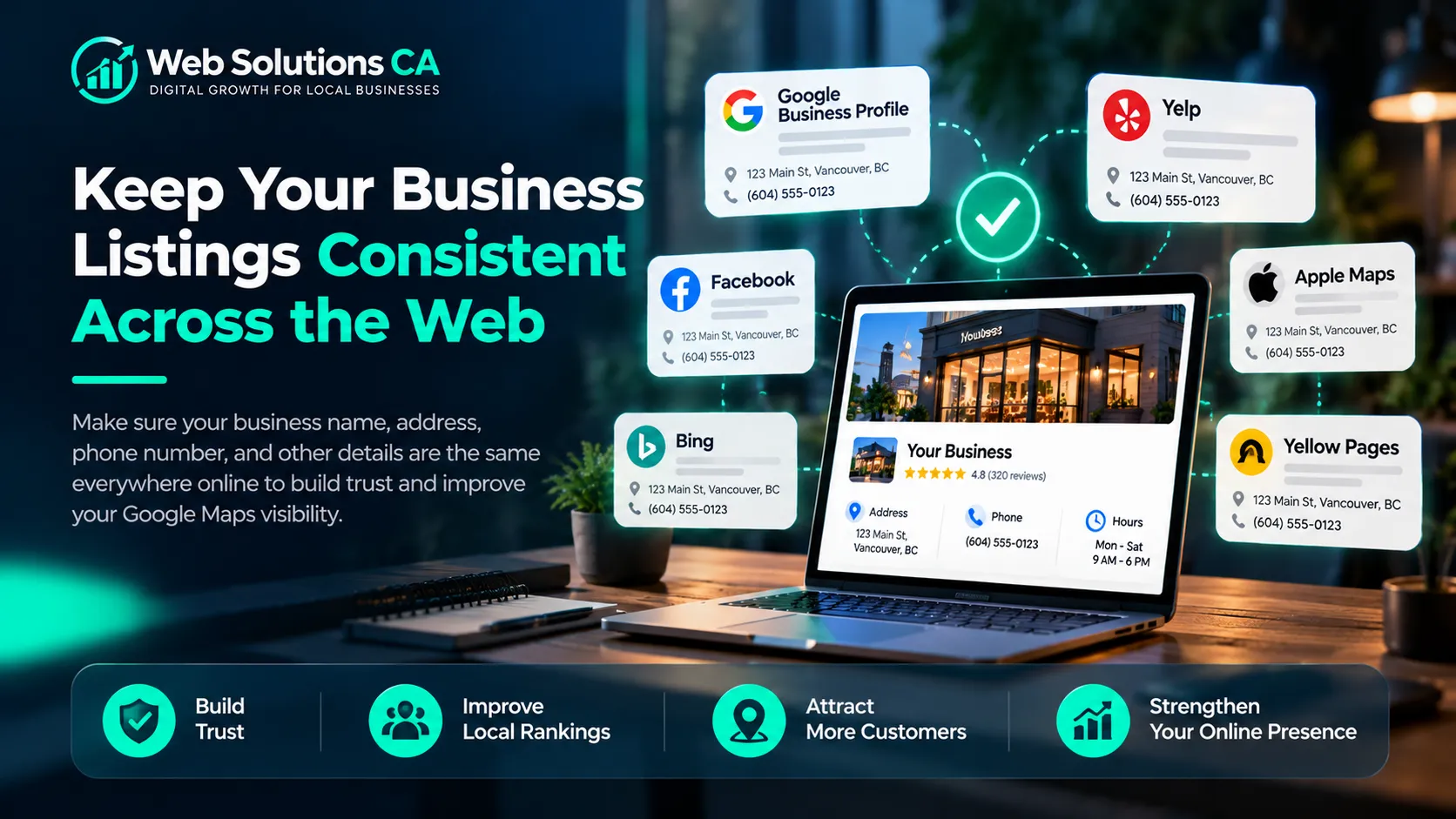
6. Keep Your Business Listings Consistent Across the Web
Your Google profile may be accurate, but an old directory listing may still send customers to your previous address. Check your website, Yelp, Bing Places, Apple Maps, and relevant industry directories.
Focus on NAP consistency: your business name, address, and phone number should accurately identify the same business wherever customers find you. Our NAP consistency guide explains what to review.
7. Optimize Your Website for Relevant Local Searches
Start with your main service pages. Explain what each service includes, who it helps, and how customers can arrange it. Someone searching for emergency plumbing needs clear availability and a phone number. Someone planning a bathroom renovation may want project examples and details about your process.
- Create useful pages for your main services.
- Mention the locations you genuinely serve where they fit naturally.
- Make phone numbers, forms, and booking options easy to use on mobile.
- Keep service and contact information consistent with your Google Business Profile.
Our local keyword research guide can help you understand the phrases customers use. Use those phrases where they make your content clearer.
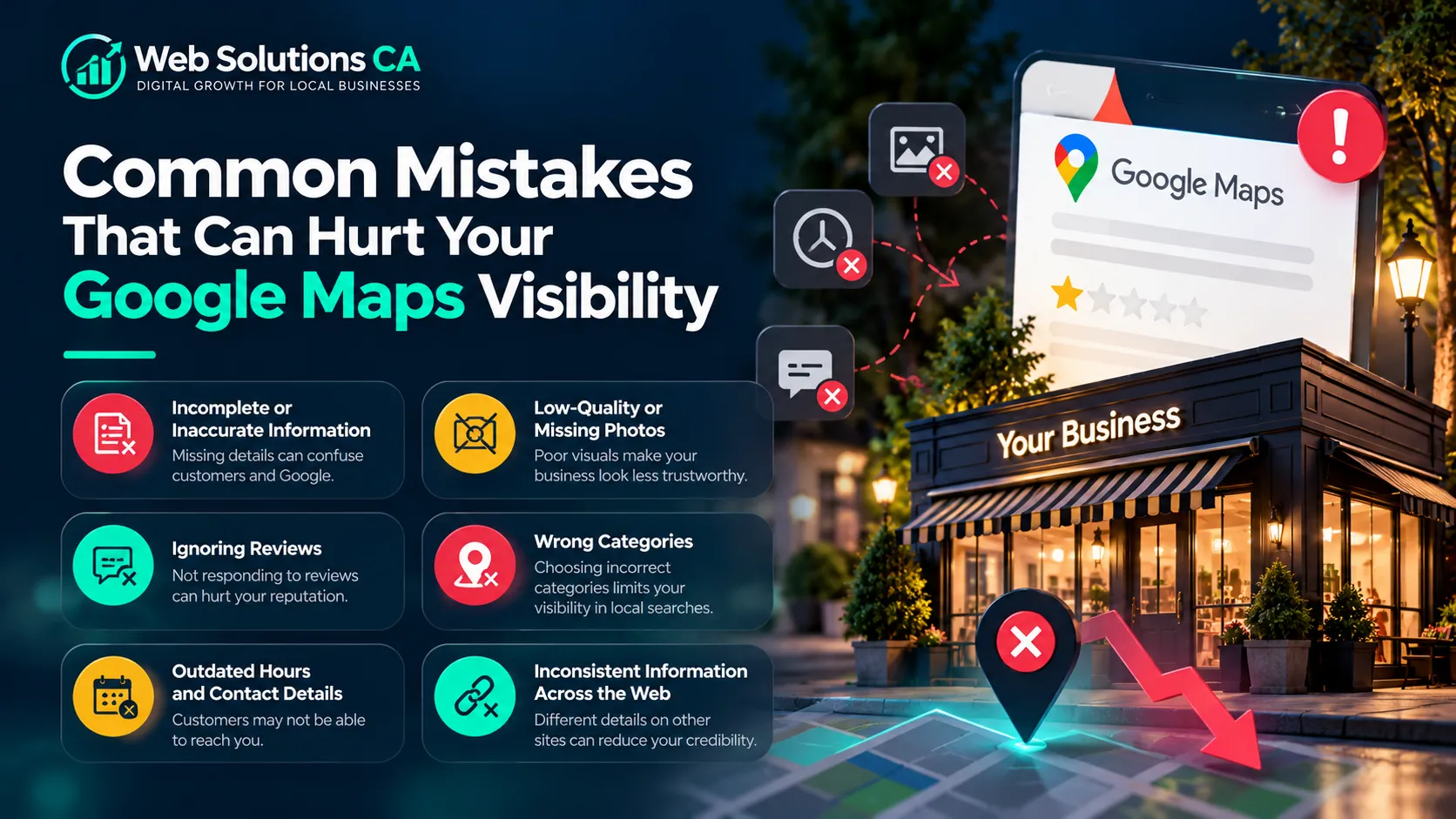
Common Mistakes That Can Hurt Your Google Maps Visibility
| Mistake | Better approach |
|---|---|
| Adding keywords to your business name | Use your real-world business name |
| Creating duplicate profiles | Resolve existing ownership or listing issues |
| Using an ineligible virtual office | Follow Google’s location requirements |
| Buying reviews | Request honest customer feedback |
| Leaving old hours or phone numbers online | Review important details regularly |
| Claiming services you don’t provide | Describe your actual offering |
How to Measure Your Google Maps Visibility and Performance
Open your Google Business Profile performance report and review comparable periods. Available metrics can include profile views, search terms, website clicks, direction requests, and call-button clicks. Track business outcomes alongside them:
| Measure | Question it helps answer |
|---|---|
| Relevant search terms | Are people finding the services we offer? |
| Website clicks | Are searchers exploring further? |
| Call-button clicks | Are people showing interest in contacting us? |
| Qualified inquiries and bookings | Is that interest becoming business? |
Turn Better Google Maps Visibility Into More Customer Opportunities
Start with one manageable review of your profile. Correct inaccurate details, check your categories, add useful photos, and establish a consistent review process. Then improve the website pages customers visit after finding you.
If you need help deciding which improvements to prioritize, this guide on choosing an SEO agency explains how to evaluate providers and find a partner that fits your business goals.
Explore our SEO services to improve your search visibility, our website design and development services to turn visitors into potential customers, or our Google Ads management services to reach people actively searching for your products or services. Contact Web Solutions CA to find the right digital marketing strategy for your business.
Frequently Asked Questions
How Long Does It Take to Improve Google Maps Visibility?
There is no fixed timeline. Updates may appear before meaningful ranking changes. Competition, your starting position, verification, and the work required all affect progress. Review trends over time rather than expecting an immediate jump.
Why Is My Business Not Showing in Google Maps?
Check verification, eligibility, suspensions, duplicate listings, and accuracy. If your profile appears for your name but not a service search, relevance, distance, and competition may explain the difference.
Can You Improve Your Google Maps Ranking Without Paying?
Yes. You can manage your profile, correct information, request honest reviews, and improve your website without buying ads. Google states that you cannot pay for better unpaid local rankings.
Does Your Business Need a Website to Appear on Google Maps?
No. An eligible business can appear without a website. However, a useful website gives customers more information and supports your broader local SEO efforts.