
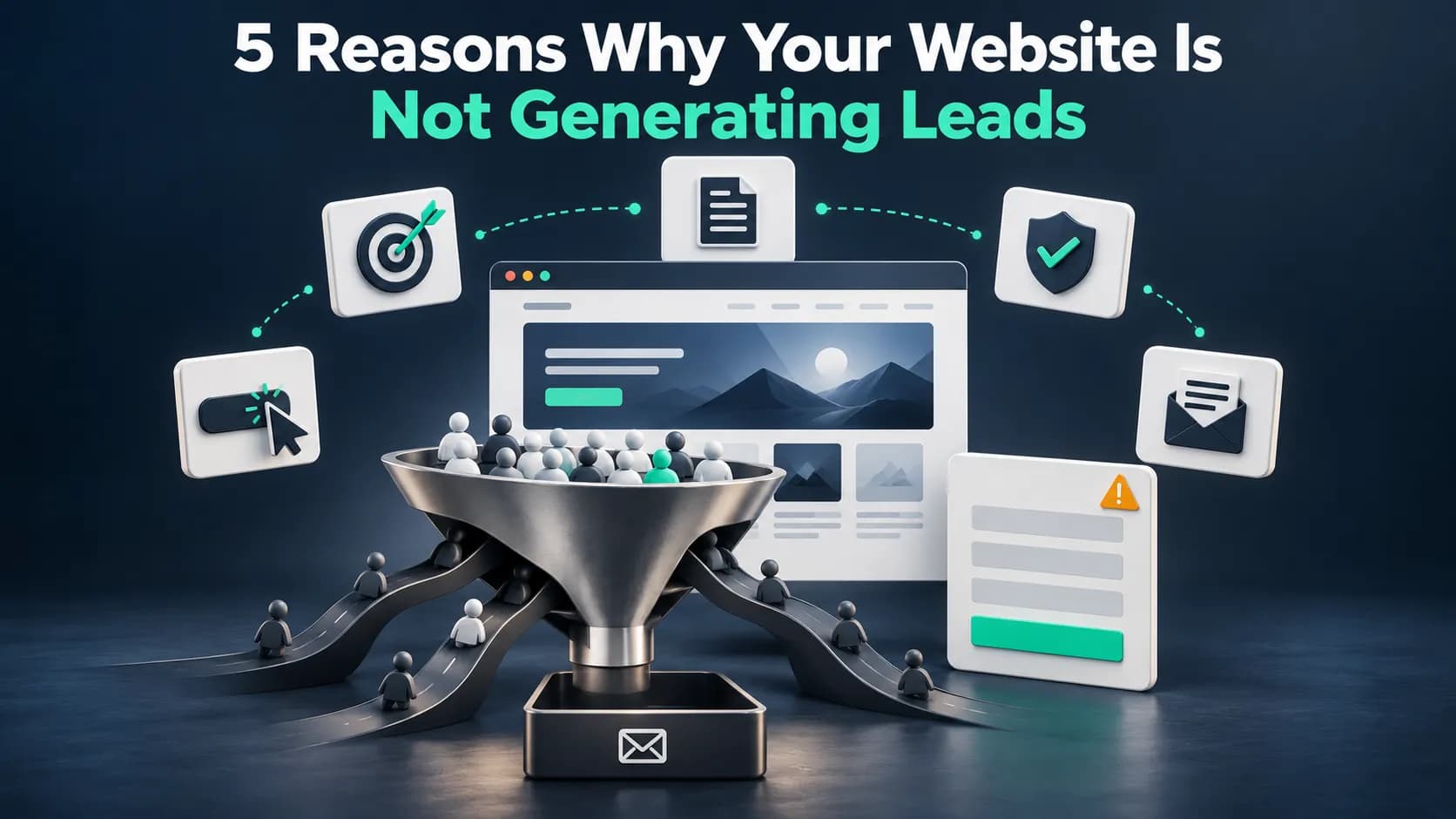
You've invested time and money into your business website. You also spent money on SEO, paid for ads, and made sure your services are clearly explained.
Visitors are coming in, but there's one frustrating problem: your phone isn't ringing, your contact forms are empty, and those visits aren't turning into customers. You keep asking yourself, "Why is my website not generating leads?"
If your website brings in visitors but few inquiries, you're probably wondering where things are going wrong. The good news is that you may not need more traffic or a complete redesign. This guide breaks down five common reasons your website isn't generating leads, how to fix each one, and how to identify what's holding your business back.
Why Your Website Gets Traffic but No Leads
The goal of a business website is to give potential customers a good reason to contact you. Getting visitors to your website is only half the job. The other half is convincing the right people to take action.
However, if your website isn't attracting visitors in the first place, the problem may be related to indexing, keyword targeting, or technical SEO. Understanding why your website isn't getting traffic can help you spot visibility issues before you focus on lead conversions.
Someone might find your website through Google, read a service page, and leave without calling or requesting a quote. That doesn't necessarily mean your marketing failed. They might be researching options, comparing prices, or struggling to find the information they need.
This is where website conversion rate optimization becomes important. Instead of focusing only on getting more clicks, you improve the experience that turns interested visitors into qualified leads.
5 Reasons Your Website Is Not Generating Leads (And How to Fix Each)
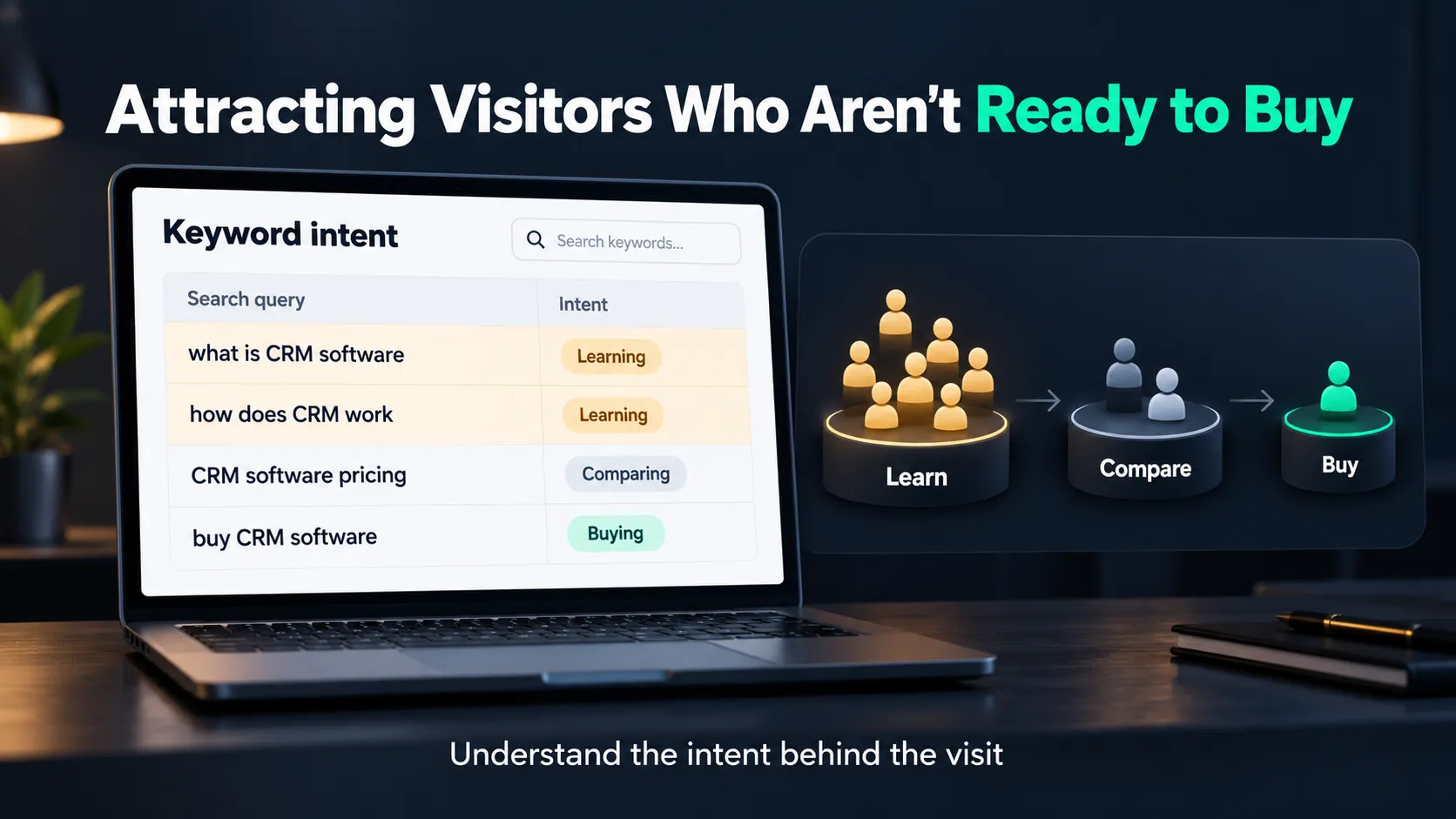
1. You're Attracting Visitors Who Aren't Ready to Buy
Not every website visitor is a potential customer.
Imagine you run an HVAC company offering AC installation and repair services. Your blog about cleaning air conditioner filters attracts hundreds of visitors, but most are homeowners looking for DIY advice, not professional repair services.
You're getting traffic, but it's not bringing qualified leads. For local businesses, improving business visibility on Google Maps can also help attract nearby customers who are actively searching for relevant services.
This often happens when your SEO strategy focuses on high-traffic keywords without considering customer intent. A proper local keyword research strategy helps identify the phrases potential customers actually use when searching for your services. The same problem can occur with Google Ads if your campaigns target broad searches unrelated to your specific services.
How to Fix It:
- Target service-focused keywords, such as "emergency AC repair near me," alongside informational keywords.
- Create dedicated service and landing pages that address customers' immediate needs.
- Review search queries in Google Search Console and paid campaigns to identify irrelevant traffic.
2. Your Website Doesn't Clearly Explain Why Customers Should Choose You
Your website messaging should answer three simple questions: What do you offer? Who is it for? Why should someone contact you?
Imagine visiting two plumbing websites:
One says, "We provide professional plumbing solutions." The other says, "Need a leaking pipe fixed? Contact our local plumbing team to request a repair appointment."
Which one makes it easier to understand what you're getting?
Your visitors shouldn't have to search through multiple pages to understand what you offer or why your business might be the right choice. Generic headlines, unclear service descriptions, and weak value propositions can make even a well-designed website ineffective.
Your small business website design should organize service information, messaging, and page elements in a way that helps visitors understand your business and make informed decisions.
How to Fix It:
- Clearly explain your main services near the top of important pages.
- Highlight genuine differentiators, such as verified certifications, service availability, or specialized expertise.
- Use customer-focused messaging that addresses specific needs instead of vague promotional claims.
3. Website Usability Issues
Have you ever opened a website on your phone, waited for it to load, and eventually given up? Your potential customers experience the same frustration.
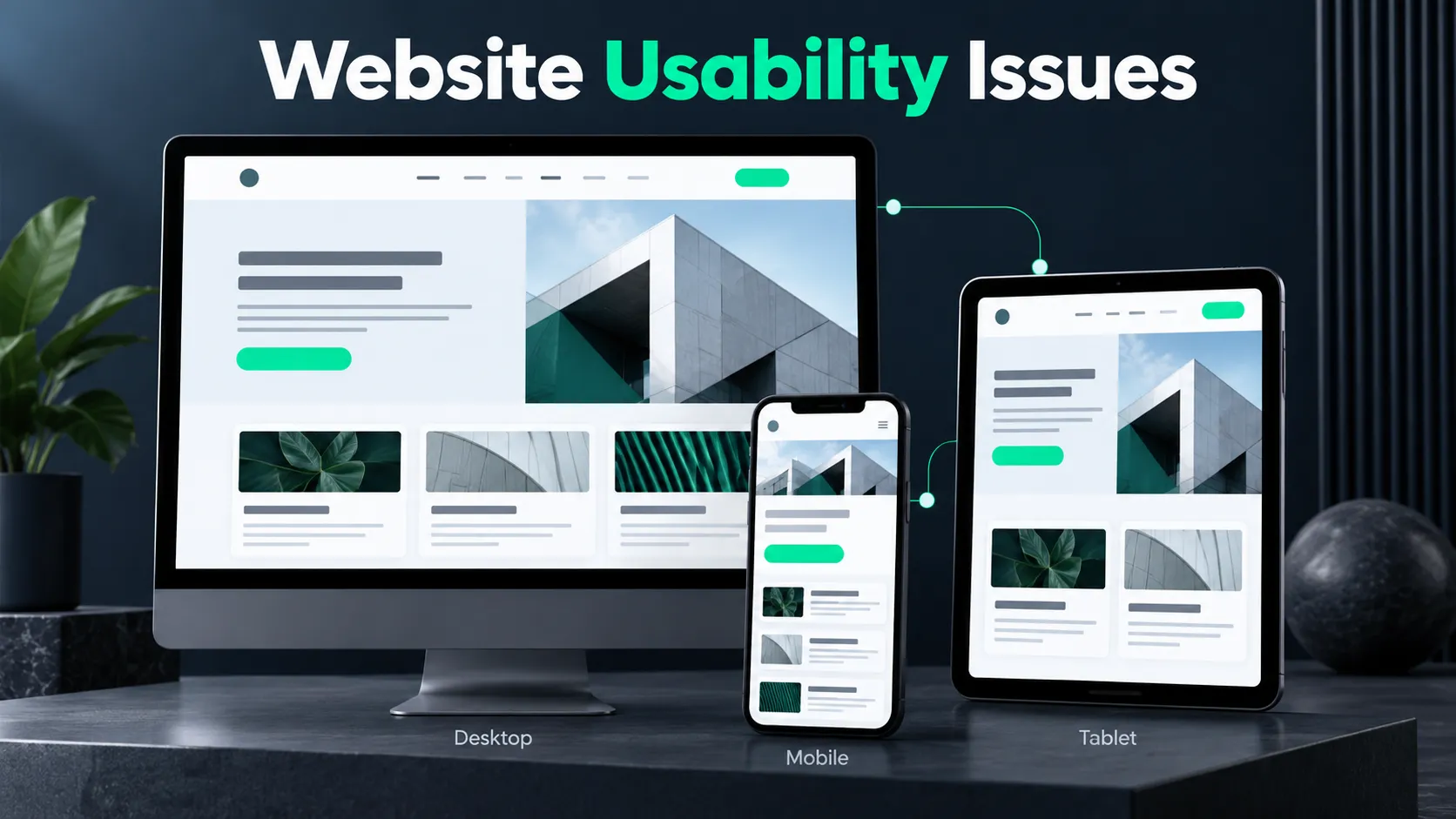
Slow-loading pages, confusing navigation, tiny buttons, and poorly designed mobile layouts create unnecessary obstacles.
Poor website usability can interrupt the entire conversion funnel, even when visitors genuinely need your services. Google's Core Web Vitals help evaluate important aspects of loading performance, responsiveness, and visual stability.
How to Fix It:
- Test your important pages using Google PageSpeed Insights.
- Compress oversized images and remove unnecessary website elements.
- Make navigation simple and ensure buttons work comfortably on mobile devices.
- Test your service pages on actual smartphones, not just desktop screens.
Slow-loading pages can frustrate visitors before they even reach your content, so understanding what makes a website slow is an important part of improving the user experience.
4. Interested Visitors Have No Clear or Easy Way to Contact You
Even a well-designed landing page can lose potential customers when the next step isn't clear. A visitor might like your services and still leave without contacting you because your website’s lead capture process is inconvenient.
Your call-to-action (CTA) might be hidden at the bottom of a page, your contact form might ask for unnecessary information, or your phone number might be hard to find.
A well-structured landing page designed to convert visitors makes the next step clear through focused messaging, visible calls to action, and an easy contact process.
Imagine a homeowner looking for a roofing estimate. They're ready to contact someone, but your website asks them to complete a lengthy form before requesting a callback. An effective CTA should tell visitors exactly what happens when they click, making it easier for them to take the next step and contact you.
How to Fix It:
- Use clear CTAs such as "Request a Free Estimate" or "Schedule a Consultation," only when those offers are actually available.
- Keep contact forms short and request essential information first.
- Make phone numbers clickable on mobile devices.
- Test every contact form, booking link, and confirmation message regularly.
5. You're Asking People to Trust Your Business Without Giving Them Enough Proof
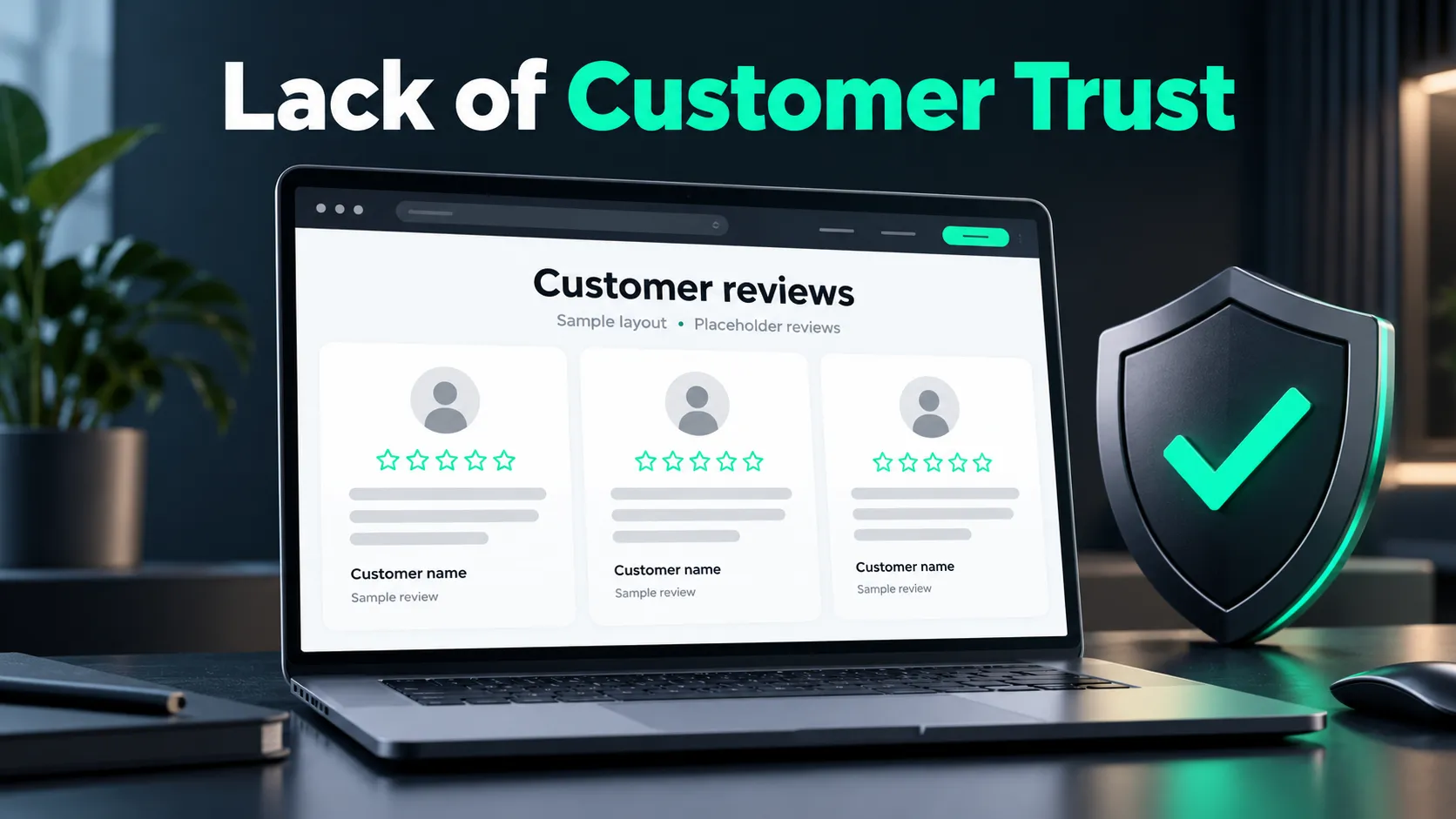
Missing customer testimonials, unclear business information, and a lack of genuine project examples can create hesitation, particularly for expensive services. Would you hire a contractor without knowing anything about their previous work? Probably not.
Your website visitors have similar concerns. They want reassurance that your business is legitimate, experienced, and can deliver what it promises. If your website relies only on generic service descriptions and stock photos, visitors may struggle to assess your credibility.
For example, an HVAC company that showcases real installation photos, verified customer reviews, and relevant credentials gives visitors more to evaluate than one that relies entirely on promotional claims.
Genuine customer feedback can strengthen that trust, especially if you have a consistent process for getting more Google reviews from satisfied customers.
How to Fix It:
- Display authentic customer reviews and testimonials where relevant.
- Include real project photos or case studies with appropriate permission.
- Make your business contact details and service areas easy to find.
- Highlight genuine licenses, certifications, or professional qualifications when applicable.
Find Out What's Stopping Your Website From Generating Leads
Before spending money on advertising or a complete website redesign, find out where potential customers are getting stuck.
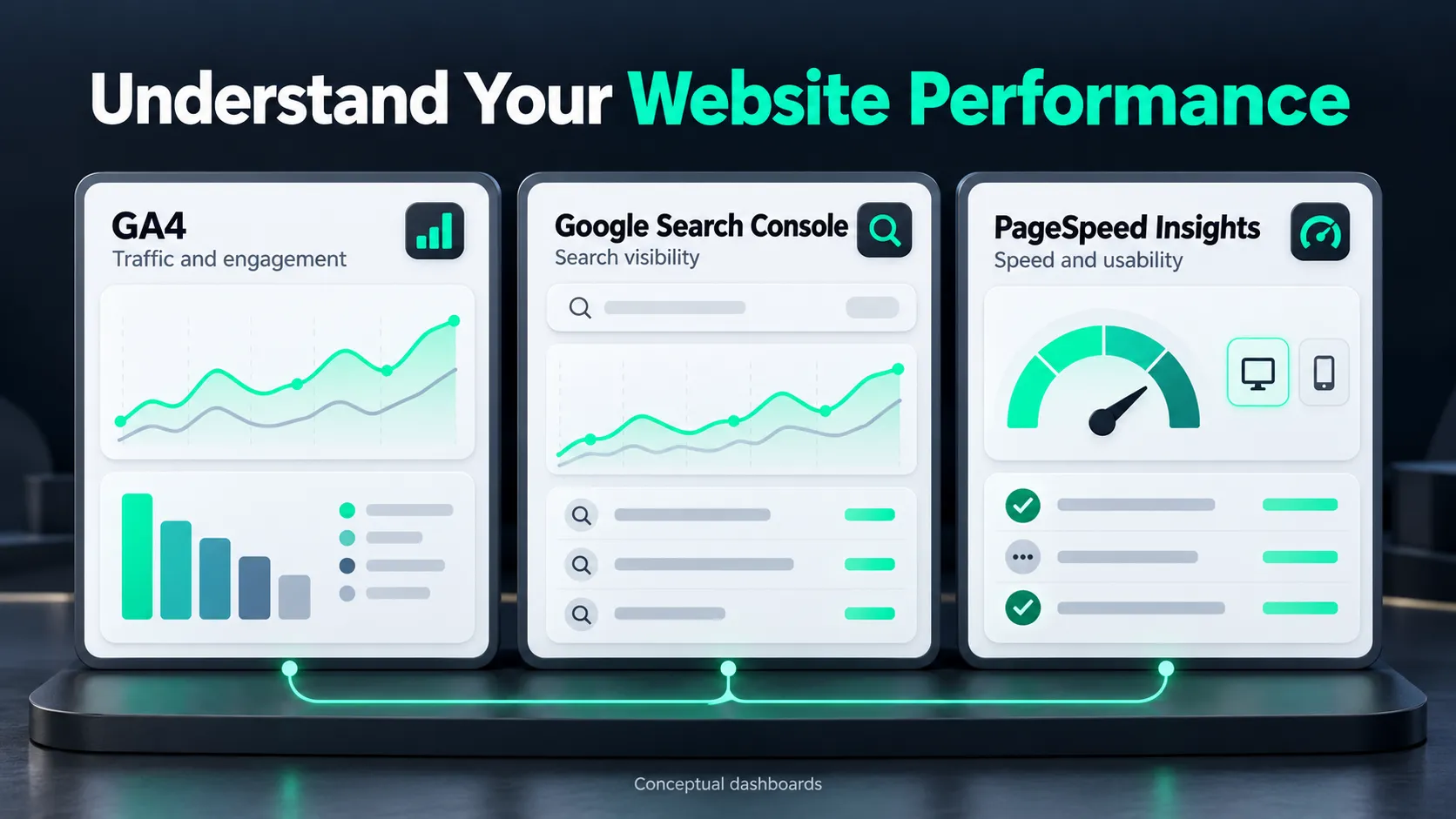
Look for the Gap Between Website Visits and Customer Inquiries
Start with Google Analytics 4 (GA4) and Google Search Console.
Search Console helps you understand which queries bring visitors from Google Search, while GA4 helps you measure visits and track lead actions. Compare your website traffic with actual customer inquiries to identify possible conversion problems.
Common Landing Page Problems and What to Check
| What You're Noticing | Possible Problem | What to Check |
|---|---|---|
| Plenty of traffic but few inquiries | Wrong visitor intent | Search queries and landing pages |
| Visitors leave important service pages | Unclear messaging or poor usability | Page content and visitor behavior |
| Mobile visitors rarely contact you | Mobile experience issues | Mobile layout and contact buttons |
| People start forms but don't finish | Complicated or broken forms | Form fields, errors, and submissions |
| Inquiries arrive but go unanswered | Poor lead management | Notifications and CRM follow-up |
These are starting points, not definite diagnoses. Look for consistent patterns before making major changes. This is where conversion rate optimization helps you understand visitor behavior, identify conversion barriers, and prioritize improvements.
Here's something many business owners overlook: not every lead generation problem starts on your website. Sometimes, customers submit inquiries successfully, but the messages go to the wrong email address, notifications fail, or nobody follows up. Before changing your design or spending more on ads, submit a test inquiry and follow it through to the person responsible for responding.
Test Your Website Like a First-Time Customer
Sometimes, the easiest way to discover website problems is to experience your site as a customer would. Open your website on your phone and pretend you're looking for a service you've never purchased before.
Ask yourself:
- Can I understand what this business offers immediately?
- Can I find the service I need without unnecessary searching?
- Are reviews, service details, and contact information easy to locate?
- Can I submit an inquiry without confusion or errors?
Complete a test inquiry and check whether it reaches your business. If you use a customer relationship management (CRM) system, verify that inquiries are recorded and assigned for follow-up. Fix obvious issues first. Then measure whether those changes improve completed inquiries and qualified leads.
Frequently Asked Questions
How to generate leads easily?
You can generate leads more easily by making your website clear, useful, and easy to contact. Improve your service pages, add prominent calls to action, simplify contact forms, and display genuine customer reviews.
Can a small business website generate leads without paid advertising?
Yes, a small business website can generate leads without paid ads through SEO, local SEO, useful content, and customer referrals. Optimized service pages help attract people searching for the services you offer.
How long does it take for a website to start generating leads?
A website can generate leads as soon as it attracts relevant visitors and makes it easy to contact your business. It depends on your traffic, competition, and website performance. Fixing broken forms or unclear contact buttons can remove obstacles immediately, while building organic search visibility through SEO often takes months.
Should I redesign my website to get more leads?
No, a complete redesign isn't always necessary to generate more leads. Improving service pages, mobile usability, contact forms, and calls to action may be enough to increase inquiries. A redesign makes more sense when smaller changes can't fix structural, technical, or usability issues.
Too Busy to Fix Your Website? Let Web Solutions CA Take Care of It
Running a business takes enough of your time. You shouldn't have to spend your evenings figuring out why visitors aren't contacting you.
At Web Solutions CA, we help businesses improve their website design, SEO, and conversion rate optimization, so potential customers can find them and take the next step.
If your website gets visitors but not enough inquiries, contact Web Solutions CA and let's find out what's getting in the way.